



















TODOS estos productos están en el paquete exclusivo:


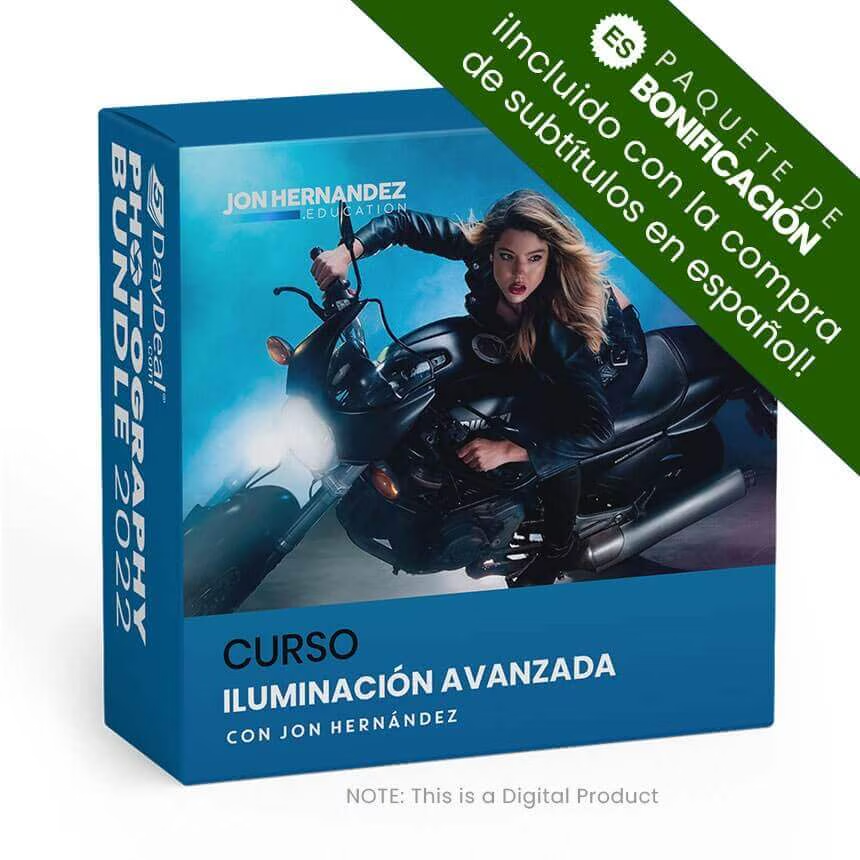
Iluminación Avanzada


$
149.00
Included in the Main Bundle!
Iluminación Avanzada
Jon Hernandez
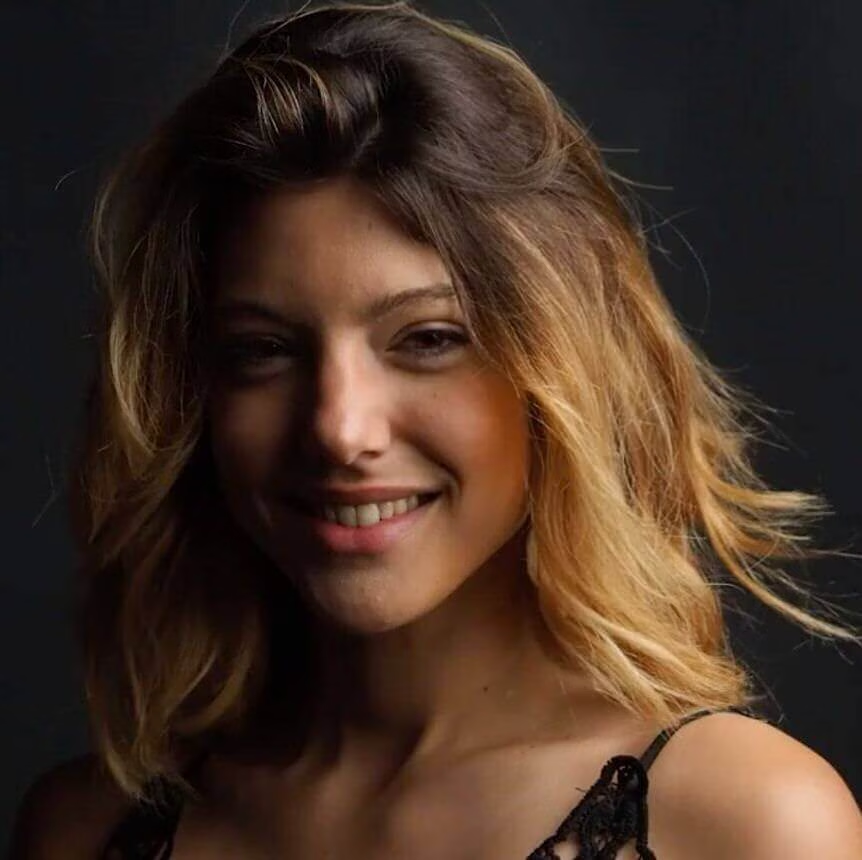
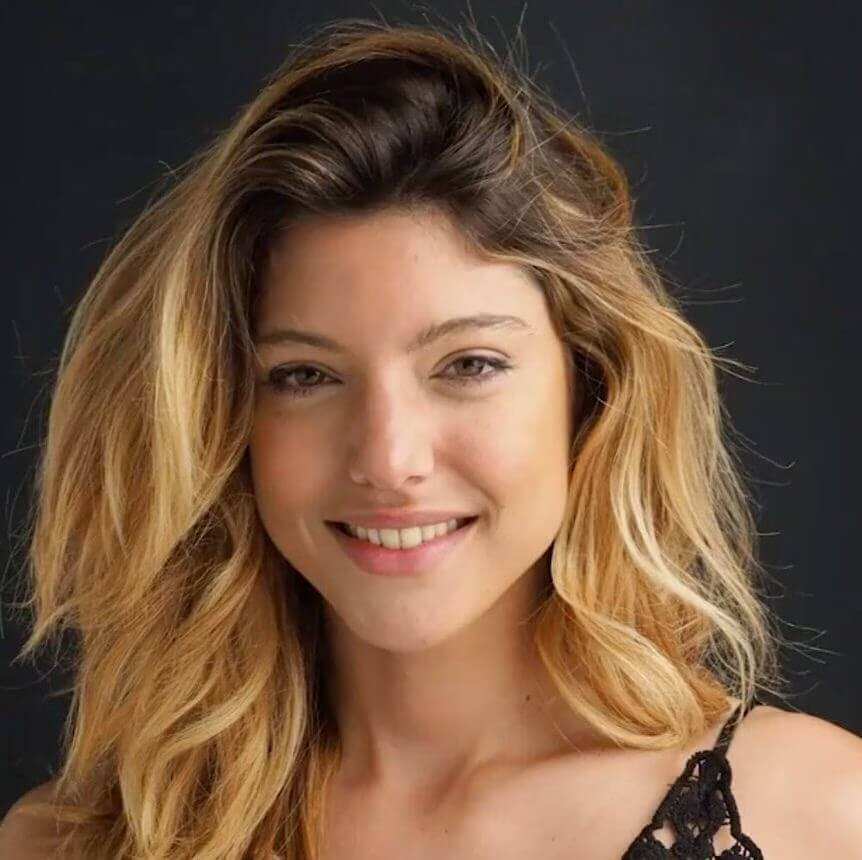
El curso de Iluminación avanzada más completo que encontrarás en español.



En este curso aprenderás nuevas técnicas de iluminación como la capa base o el perfilado de la luz. Además, verás varios ejemplos con 1, 2, 3 y hasta 9 puntos de luz.
EL RÍO Y LA MONTAÑA
Una fotografía desde dentro


$
99.00
Included in the Main Bundle!
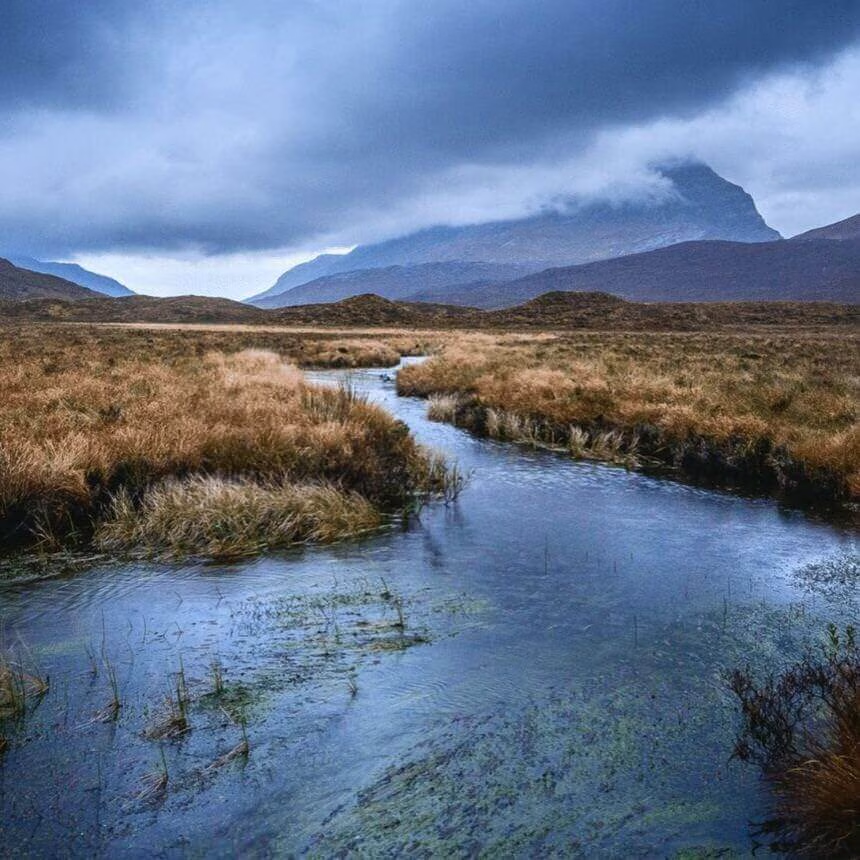
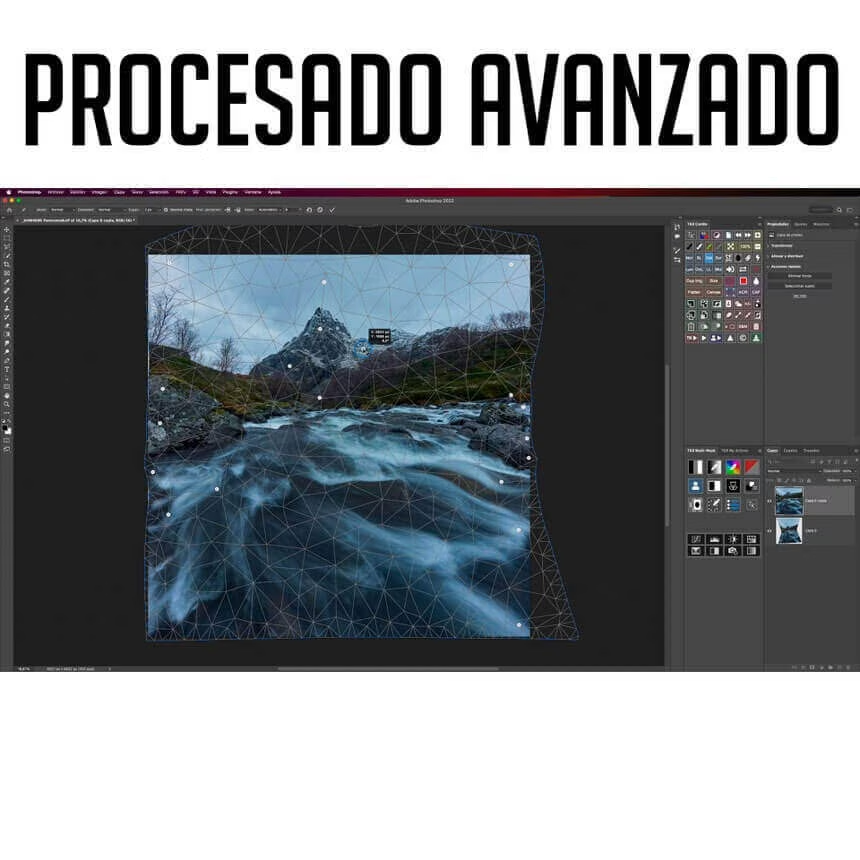
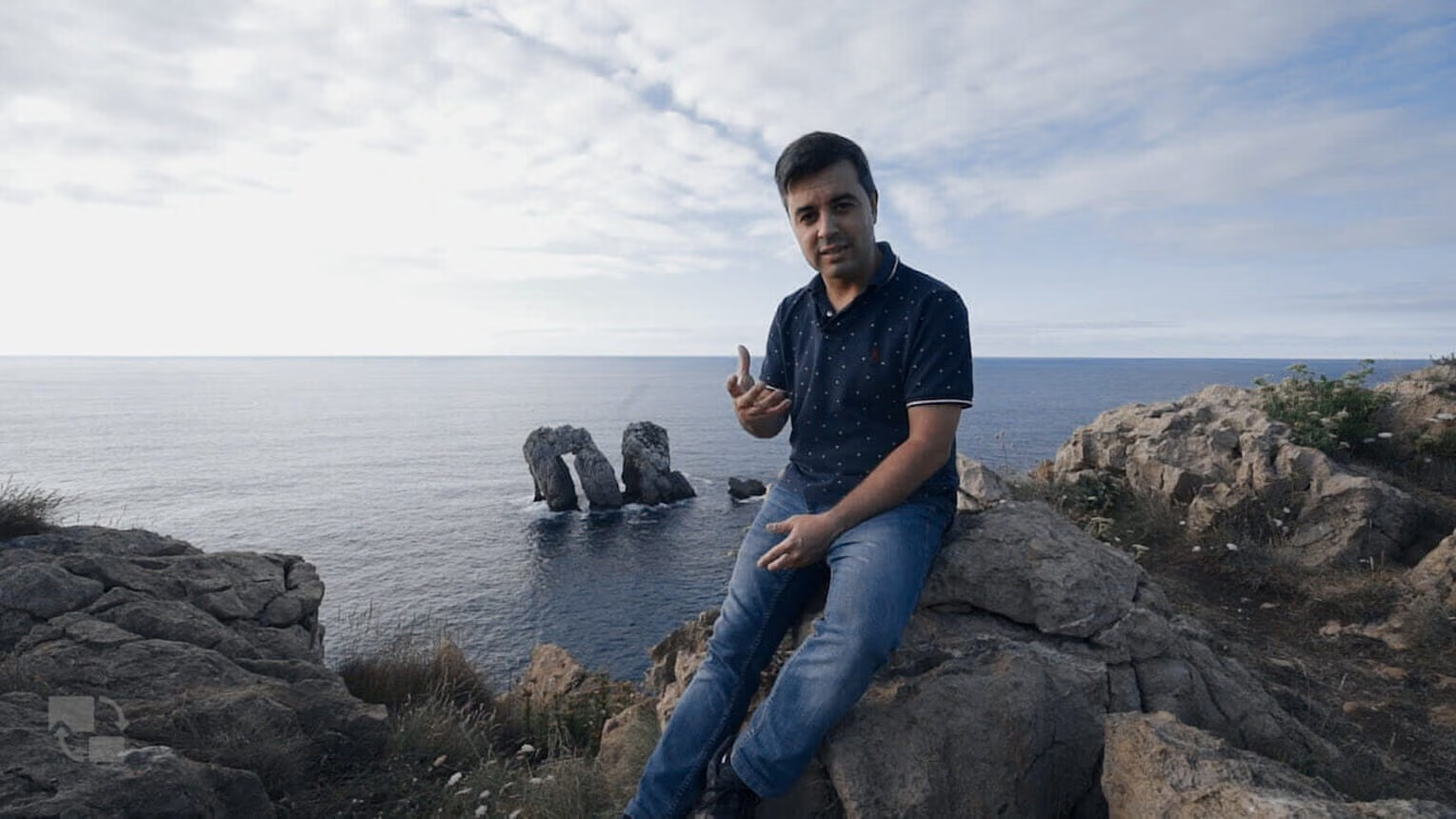
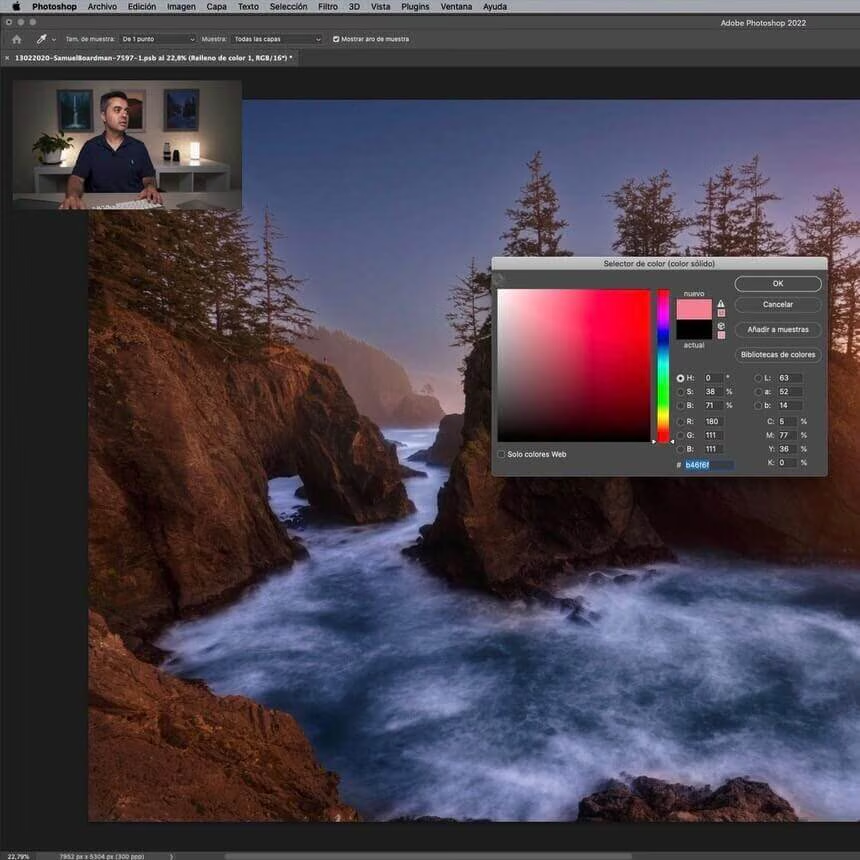
EL RÍO Y LA MONTAÑA
Antonio Prado
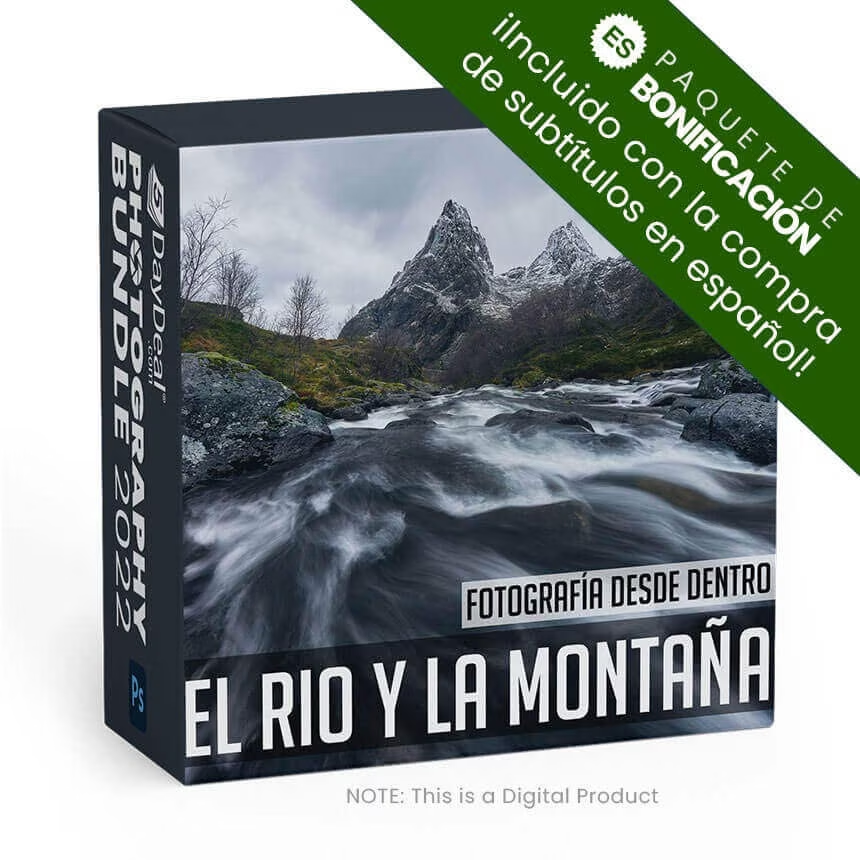
Atrévete a realizar el viaje completo para culminar una fotografía desde el inicio hasta el final, pasando por la visión de la cámara.



Acompñamae a lo largo de 4 capítulos completos en los que vamos a realizar todo el proceso que implica la realización de una fotografía desde cero.
Vamos a ver desde la explicación de dónde nos encontramos incluyendo la localización exacta de la fotografía, hasta el procesado paso a paso de la imagen.
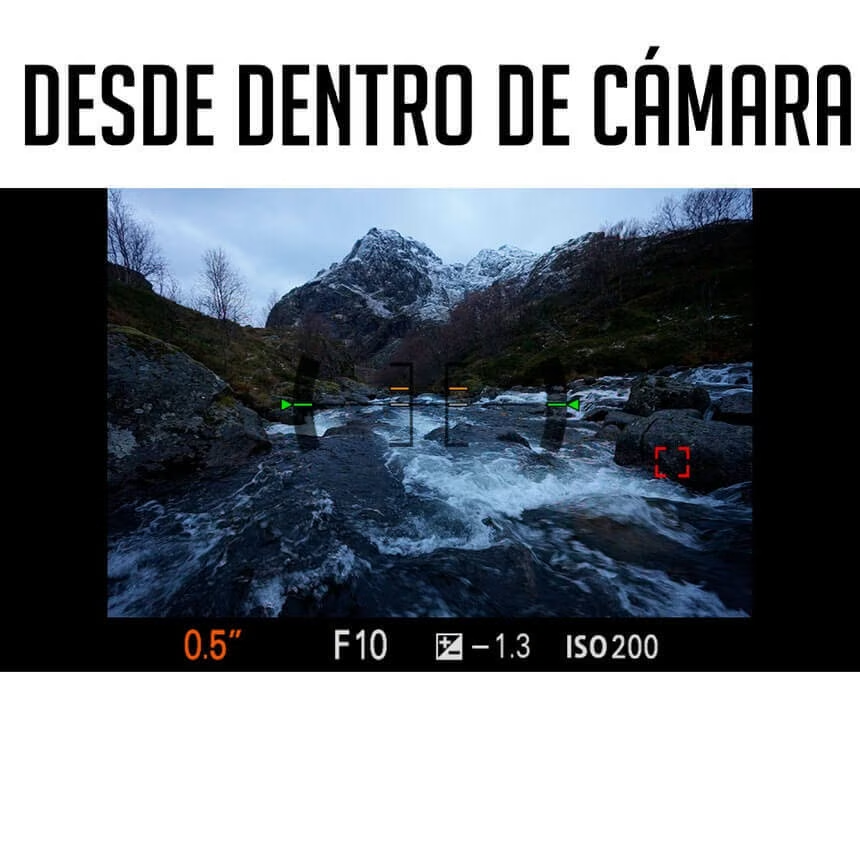
Entre medias, pasaremos por ela idea previa de la foto, las posibles composiciones, y lo mejor llegará cuando podamos ver "desde dentro de la cámara" todo lo que realizamos en la localización.
Acompáñame a este viaje!!
Dark Processing and Mastering the Mood ESP
Dark Processing and Mastering the Mood ESP



$
99.00
Included in the Main Bundle!
Dark Processing and Mastering the Mood ESP
Enrico Fossati
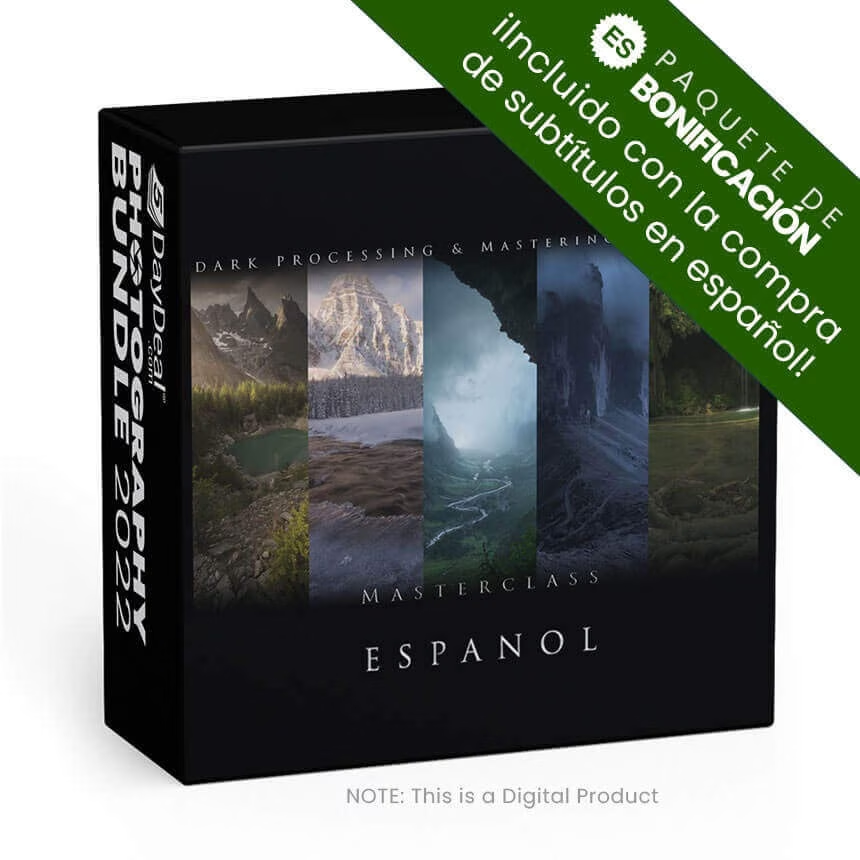
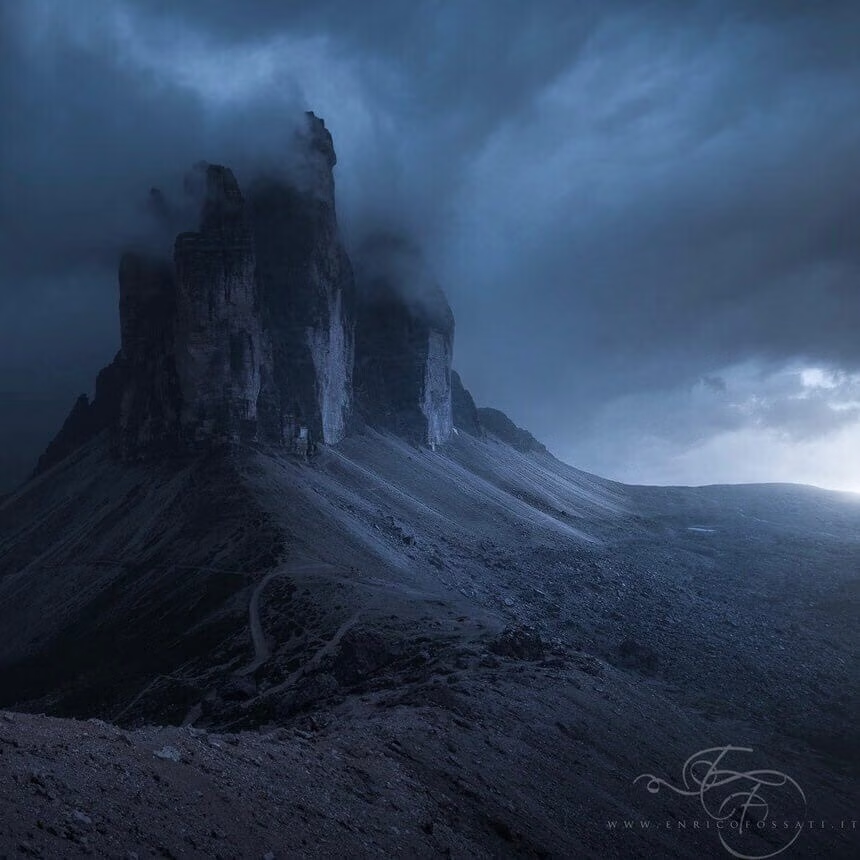
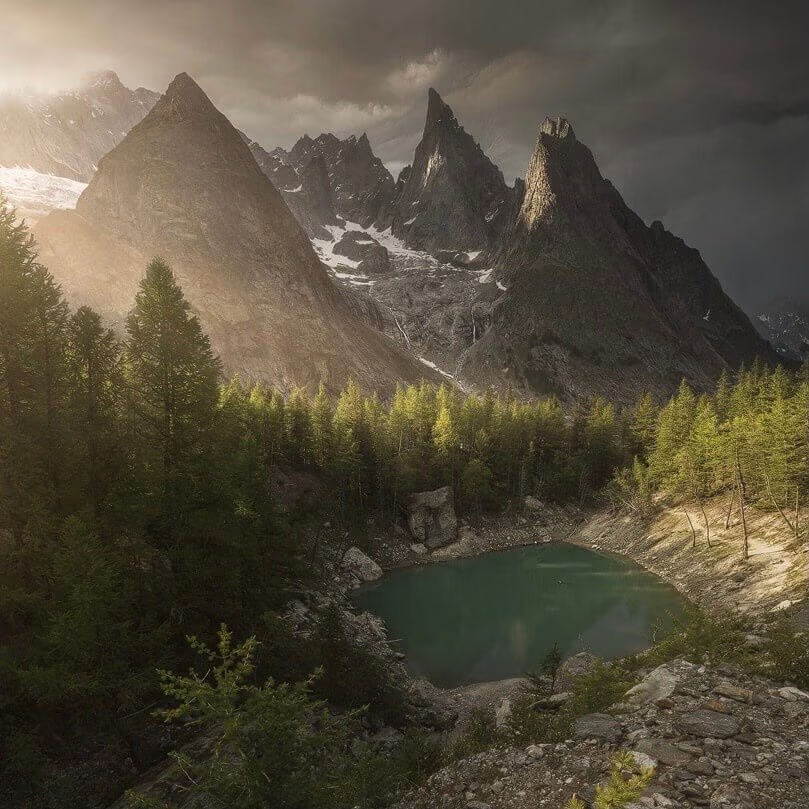
Dark Processing Masterclass es una colección de vídeos formativos sobre la edición de fotografía de paisaje con un aspecto oscuro y una atm.


Dark Processing Masterclass es una colección de vídeos formativos sobre la edición de fotografía de paisaje con un “aspecto oscuro y una atmósfera épica”. Hice mi primera fotografía de este tipo en 2013 y lancé la primera versión de estos vídeos en 2017. El Dark Processing es uno de los estilos de postprocesado más populares e imitados entre los fotógrafos de paisaje. Y ahora lanzo un nuevo paquete de vídeos explicando las técnicas necesarias para transformar cualquier fotografía de paisaje en una escena épica.
Esta Masterclass está compuesta por 5 vídeos, donde muestro todo, de principio a fin, a lo largo de unas 5 horas. Todos los procesos explicados en estos vídeos se caracterizan por necesitar una cantidad importante de trabajo manual de edición y que una vez aprendidas las técnicas, te garantizan tener la habilidad de poder transformar tus propias fotografías.
Estas son las técnicas usadas y explicadas en los vídeos:
- Generación de panorámicas
Fusión de distintas perspectivas
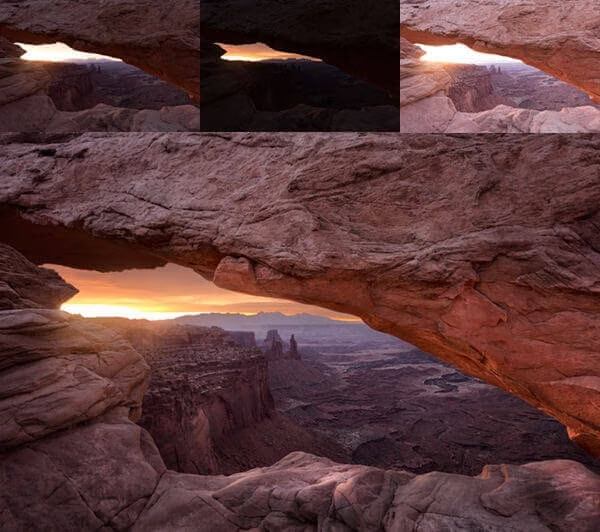
Fusión de distintas exposiciones
Fusiones manuales
Color Grading
Dominantes de color
Fusión de distintos momentos (Time Blending)
Dodge & Burn
Uso de las máscaras de luminosidad
Durante mis vídeos muestro cómo aplicar distintos efectos que he ido experimentando a lo largo de los años y que forman parte de mi flujo detrabajo habitual, incluyendo efectos de luz suave, luces difusas, oscurecimiento, creación de luz, etc...
El software utilizado en los videos es Adobe Photoshop CC2020, Adobe Bridge, ACR, DxO, Nik Collection, Topaz Detail now Adjust, Tony Kuyper TK7 Panel.
NO ES NECESARIO TENER LA ULTIMA VERSIÓN DE PHOTOSHOP. La última versión compatible con estos vídeos es Photoshop CC (lanzado en 2013)
SE NECESITA TENER CONOCIMIENTOS BÁSICOS DE PHOTOSHOP
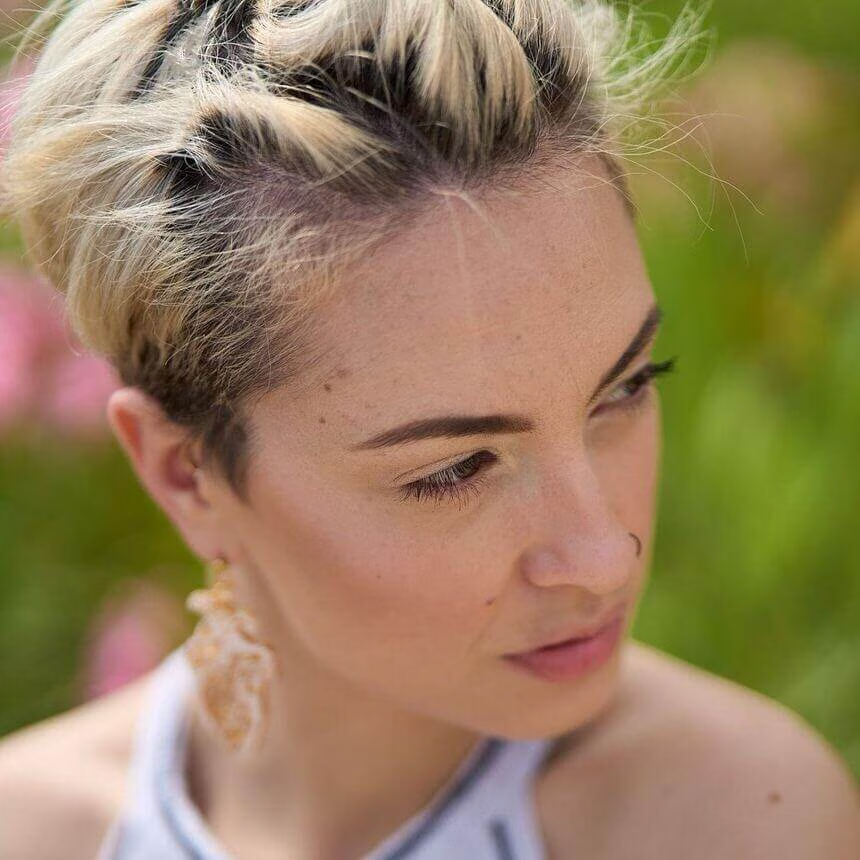
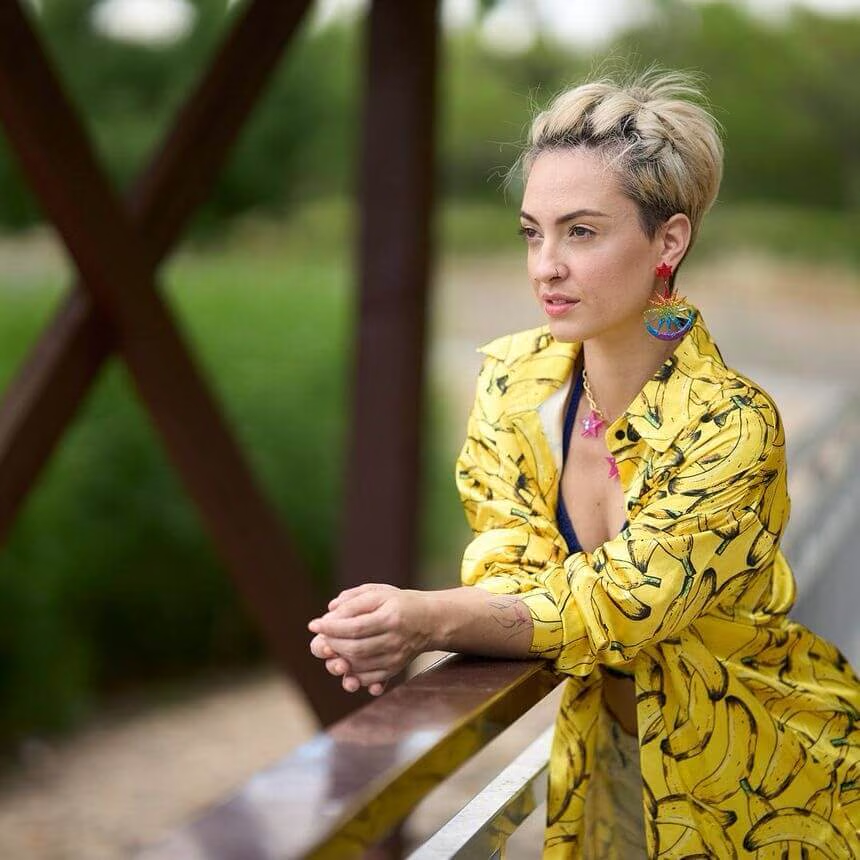
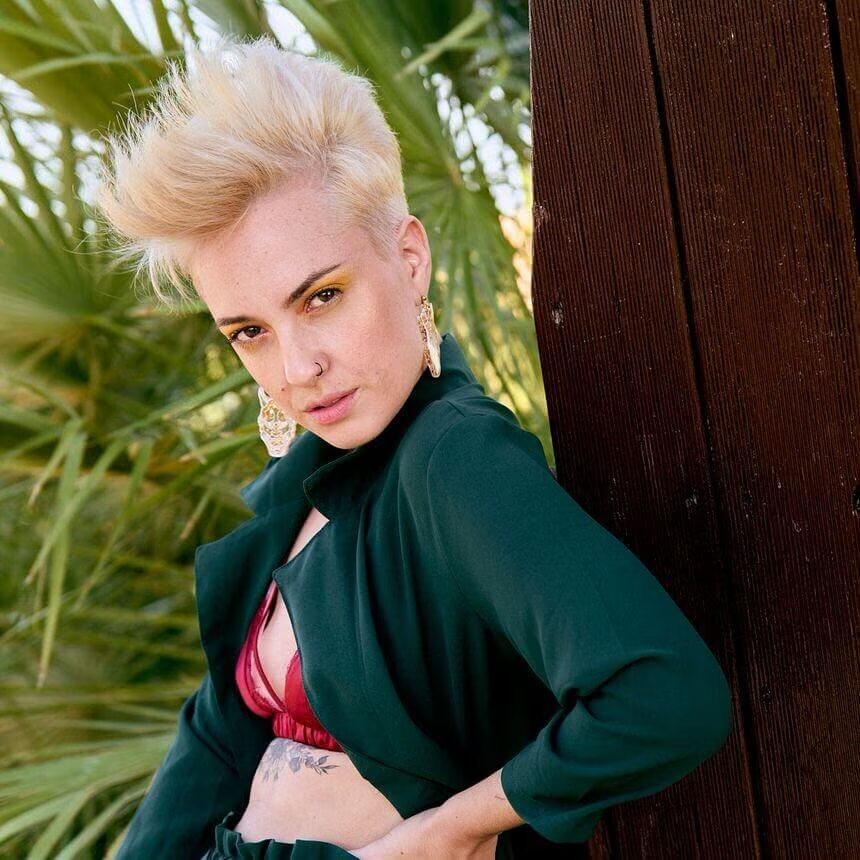
El retrato - Guía de inicio
Todos los secretos desde cero



$
34.95
Included in the Main Bundle!
El retrato - Guía de inicio
Antonio Garci
En este curso aprenderás las principales claves para iniciarte en el retrato: técnica, iluminación, composición y dirección de personas.

Curso dedicado a conocer los conceptos esenciales a la hora de iniciarse en la fotografía de retrato:
- requisitos técnicos básicos,
- cámaras y objetivos recomendados,
- como aprender a configurar el enfoque,
- las principales reglas de composición
- todo sobre como iluminar en exteriores y adaptarse a cualquier entorno,
- dirección de poses.
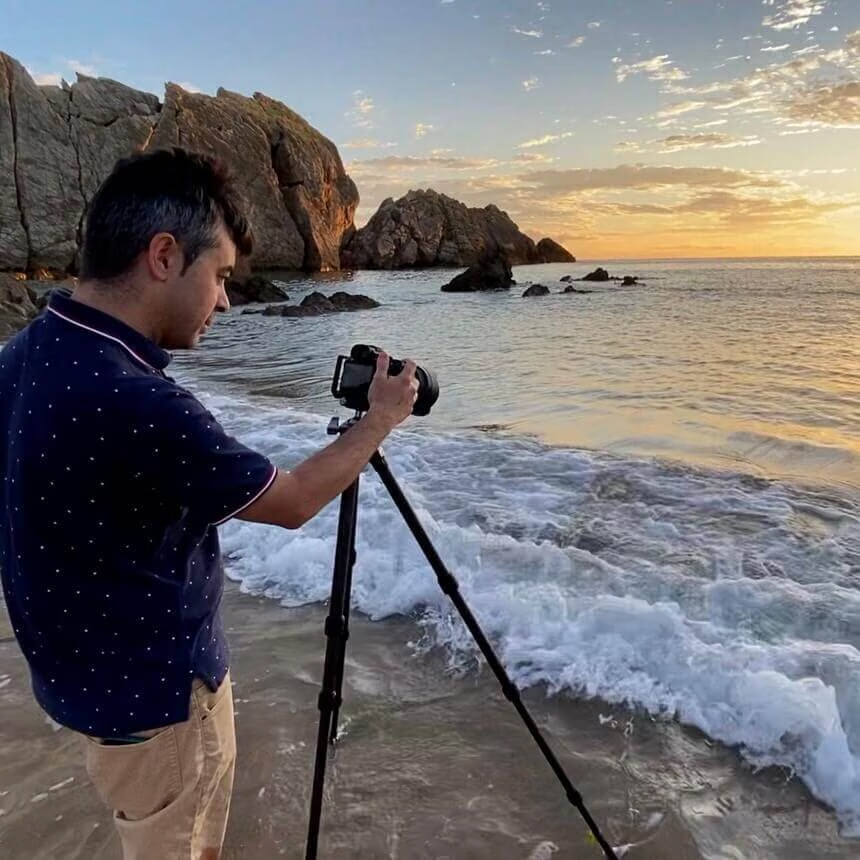
Fotografiando La Costa: La Guía Completa


$
147.00
Included in the Main Bundle!
Fotografiando La Costa: La Guía Completa
Victor Gonzalo
Aprende todo lo que debes de dominar para realizar fotografías de costa con garantías de seguridad y éxito en todas las situaciones posibles.

Descubre a través de "Fotografiando la Costa: La Guía Completa" todo lo que debes de saber para afrontar con garantías tus sesiones fotografías en entornos de mar y costa.
Curso dividido en varios módulos que a su vez contienen diferentes lecciones para que puedas ir avanzando de manera progresiva desde los conceptos más sencillos y fundamentales hasta procesados fotográficos complejos. En cada uno de los videos aprenderás fantásticas y novedosas técnicas a incluir en tu repertorio fotográfico para que la próxima vez que realices este tipo de fotografías, vuelvas a casa con una gran cantidad de estupendas fotos.
Módulo 0
En este módulo de introducción, también conocido como "Módulo fundamental", abordaremos los conceptos básicos, pero a la vez críticos de la fotografía de costa. Entenderemos como se comportan las mareas, la importancia de encontrar una buena localización o como planificar nuestras fotografías. Cada uno de estos aspectos se trata en minucioso detalle en videos independientes garantizando una óptima absorción de conocimiento.
Módulo 1
El primer módulo del curso versará acerca del momento de la toma en diferentes situaciones y localizaciones, y de todos aquellos detalles que debemos de conocer para no solo conseguir buenas fotografías sino también para mantener seguro tanto el equipo fotográfico como nuestra integridad física.
Módulo 2 a 5
A través de 4 procesados fotográficos muy diferentes, abordaremos todas las técnicas necesarias que deberás de conocer para conseguir impactantes resultados gracias al uso exclusivo de Camera Raw y Photoshop, sin la necesidad de recurrir a plugin externos. Esta serie de procesados siguen un recorrido secuencial, desde situaciones sencillas hasta otras mucho más complejas donde deberemos de fusionar hasta 4 fotografías diferentes para conseguir un impactante resultado.
Perfecting the Headshot
with Peter Hurley



$
299.99
Included in the Main Bundle!
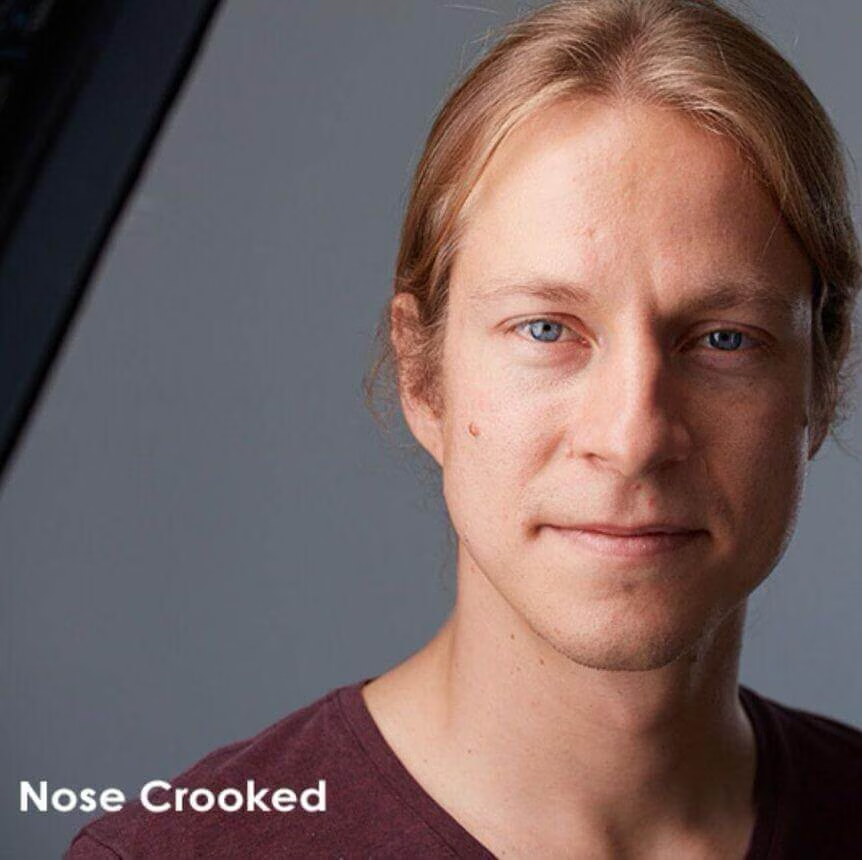
Perfecting the Headshot
Fstoppers
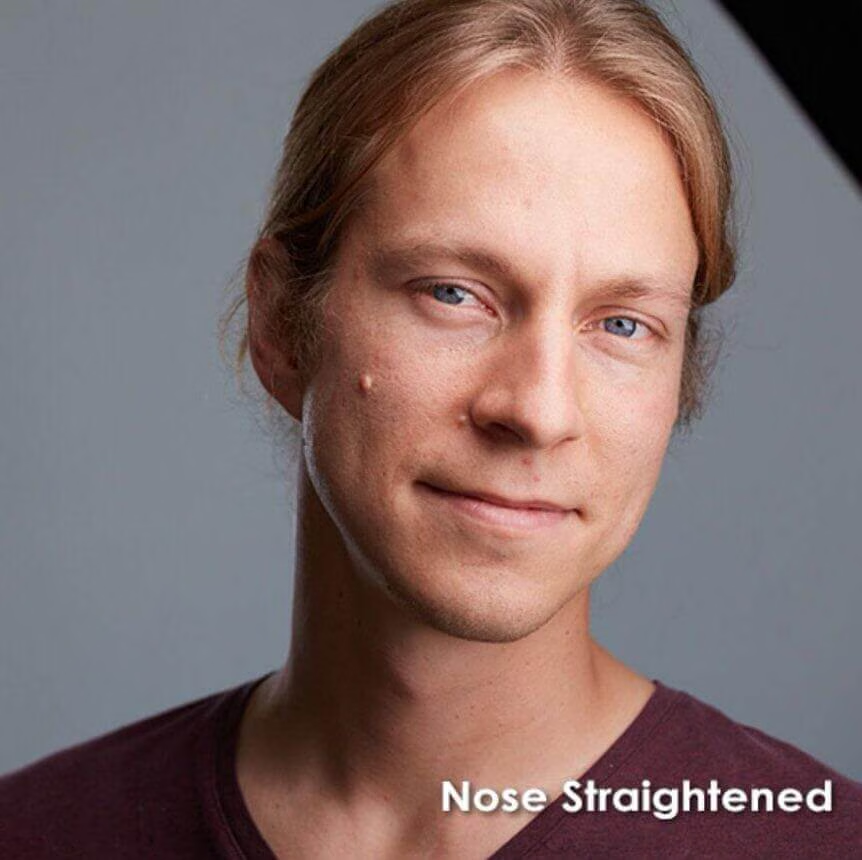
This tutorial goes through Peter Hurley's industry-changing headshot workflow including, lighting, shooting, and coaching subjects.

Over the past six years, Peter has been perfecting his technique and how he teaches it.
If there is one main theme behind Peter's work, it is that every person needs to look both confident and approachable. The number one challenge any photographer has when photographing people is learning how to break them out of the all too common "deer in the headlights" look and make them appear comfortable and engaging.
In this tutorial, Peter dives deep into the human psyche and explains why people almost always have apprehension and fear when looking into a camera. After learning what causes people to look "blank and out-to-lunch," Peter teaches multiple techniques to make subjects look more confident and attractive.
Welcome to Perfecting the Headshot!
This Download Includes:
- 10 1/2 Hours of Content
- 21 Video Files (14.5 GB, 1080p 23.98fps h.264 mp4 files)
- The Peter Hurley Headshot System
- Lighting for Women and Lighting for Men
- Peter's Setup with Constant Lights, Strobes, and Natural Light
- The Chameleon Approach and Sherlock Holmesing
- Understanding the 4 Different Types of Clients
- Minimizing Weight
- Reducing Glare in Glasses
- Picking Your Lens and Flattering Focal Lengths
- Shooting Headshots Outside
- Accentuating and Hiding Facial Features
- Working with Children
- Peter's Favorite Tips on Hair and Makeup
- 3 Full "Real World" Client Shoots
- Understanding the Business of the Headshot Market
- Retouching Headshots with Damian Battinelli
- Peter's Entire Client Proofing and Workflow
Find the Shot
Find the best shot in any situation

$
297.00
Included in the Main Bundle!
Find the Shot
Matt Granger
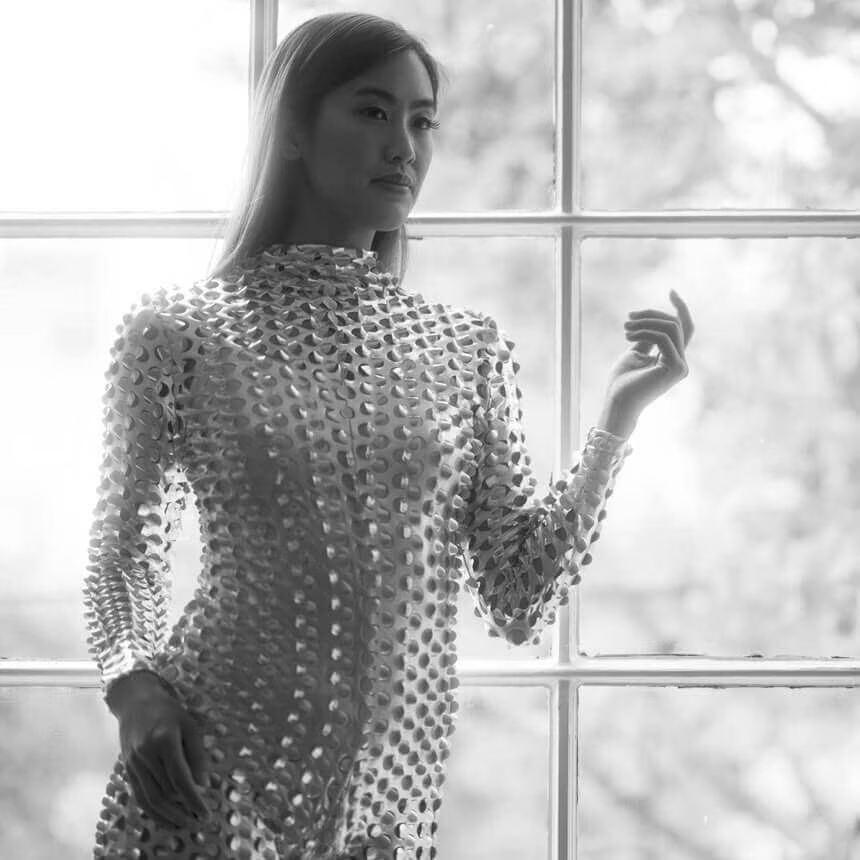
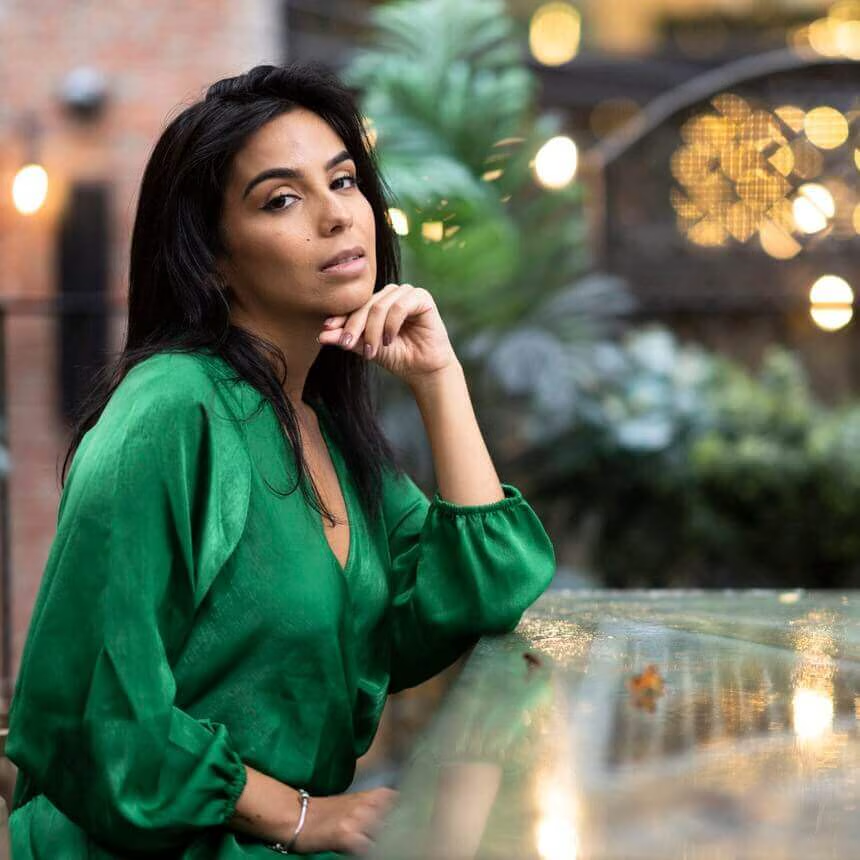
Learn how to enter any scenario, quickly identify shooting angles, and pre-visualize the final shot.
Every location presents countless different photo opportunities.
In this program, Matt Granger shows you how to identify the best scenes, backgrounds, and pools of light to capture the best options in any given environment.
What You'll Learn:
Whether you are taking portraits in a cramped room or shooting long exposures at the beach, narrowing down the infinite options to a specific final frame takes practice. In this brand-new program, Matt shows you how to analyze a scene, work through options, and put together the elements that work in harmony.
We take you on a series of real location shoots ranging from designer homes to cramped apartments, shooting with men and women, and even a detailed location shoot at a beach showing the options present at different times of the day.
Make great shots anywhere
· How to identify and evaluate light sources in any scene
· How to create a cohesive final image, including subject, scene, and lighting
· How to create the light that will deliver your desired results
· How to use continuous or flash, available or added light
· How to modify your shooting position, your subject, and your background to work with the available elements
· How to edit and crop your images to create an impact
IMAGINE IF YOU COULD...
· Walk into any scene and instantly evaluate the light sources and the results you will get.
· Modify, adjust, or make use of any available light source to get the results you wanted
· Create images that look planned and crafted – using whatever is available.
“There are countless courses that talk you through camera control, how to set up lighting or how to direct your models – but a key part of crafting the final image is often overlooked.
How do you identify the potential shots in a given location? How do you choose the best out of them, and how do you work within the limitations of your location to get the best results possible?
I made Find the Shot specifically to address these questions – to help you evaluate a scene (whether it is a living room, a garden, or a sprawling landscape), and quickly identify opportunities for great images.”
-Matt Granger
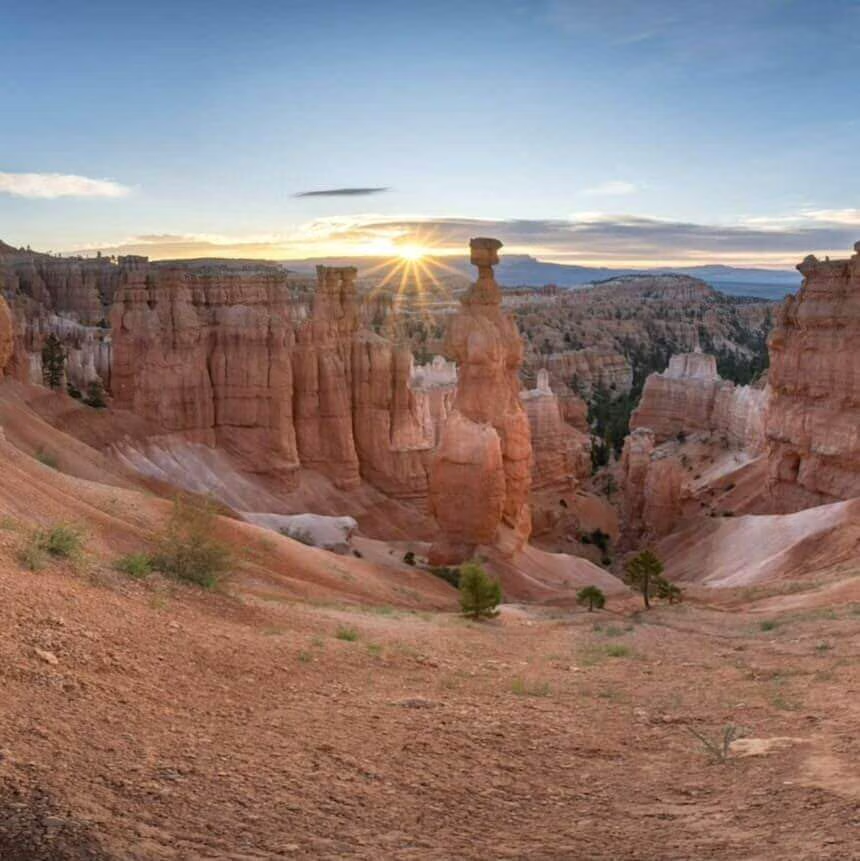
Shooting Golden Hour Scenes
Guide to Photographing & Editing Golden Hour


$
117.00
Included in the Main Bundle!
Shooting Golden Hour Scenes
John Weatherby
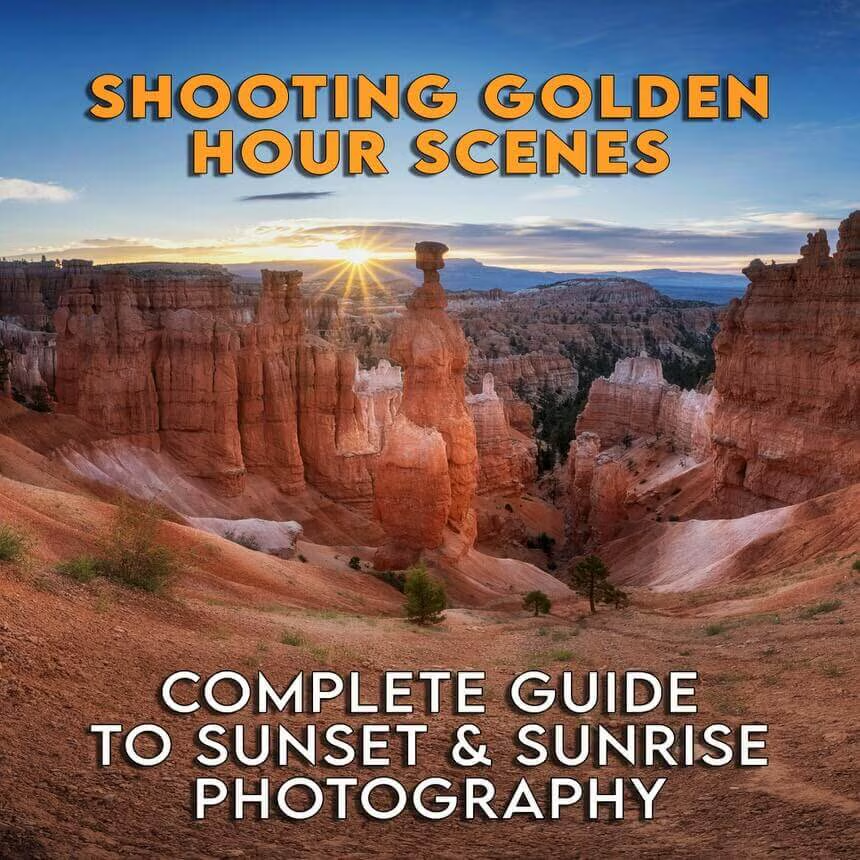
Photographing and editing golden hour scenes.

A complete guide to photographing and editing golden hours scenes. Starting in the field with the settings and composition, and then finishing in the studio with a complete post-processing workflow.
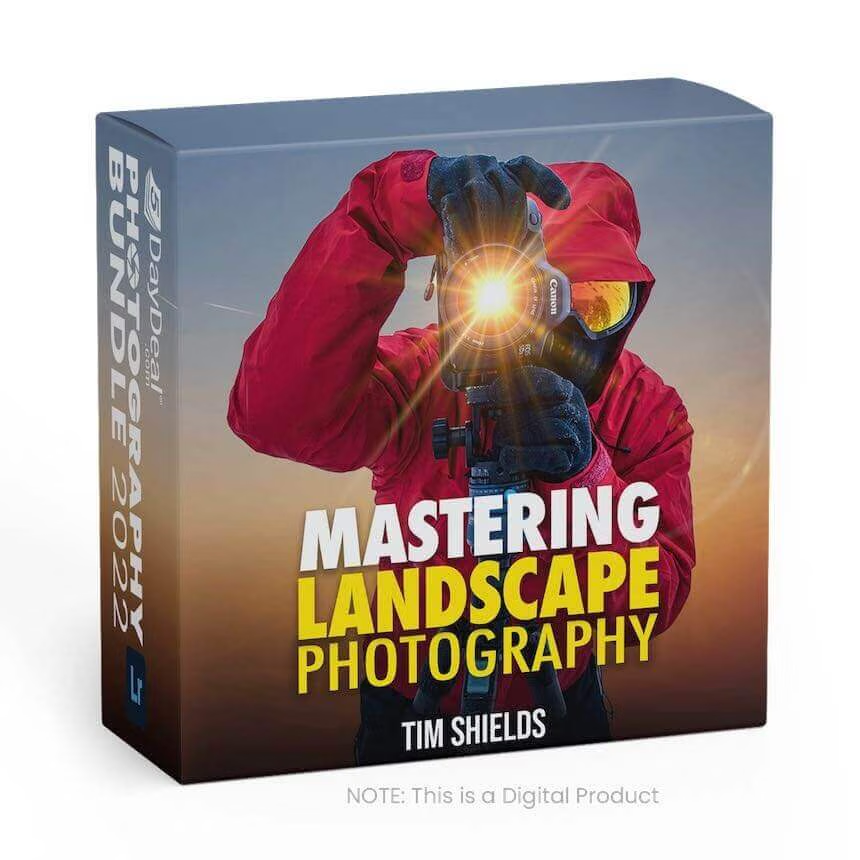
Mastering Landscape Photography
The finer points of Landscape Photography



$
100.00
Included in the Main Bundle!
Mastering Landscape Photography
Tim Shields
Learn tips and tricks from a Landscape Photography Master

Finally Master Landscape Photography!
Discover 20 videos that will show you how to master the finer points of landscape with skills such as smoothing out water, creating reflections, showing motion on moving water, creating HDRs, panoramas, and so much more.
Chapter 1: The must-have landscape photography gear, and the features you need in a photography backpack.
Chapter 2: Discover how you can take the best photos of your life using these easy techniques
Chapter 3: Learn how to use the right focusing techniques to create tack-sharp photos every time.
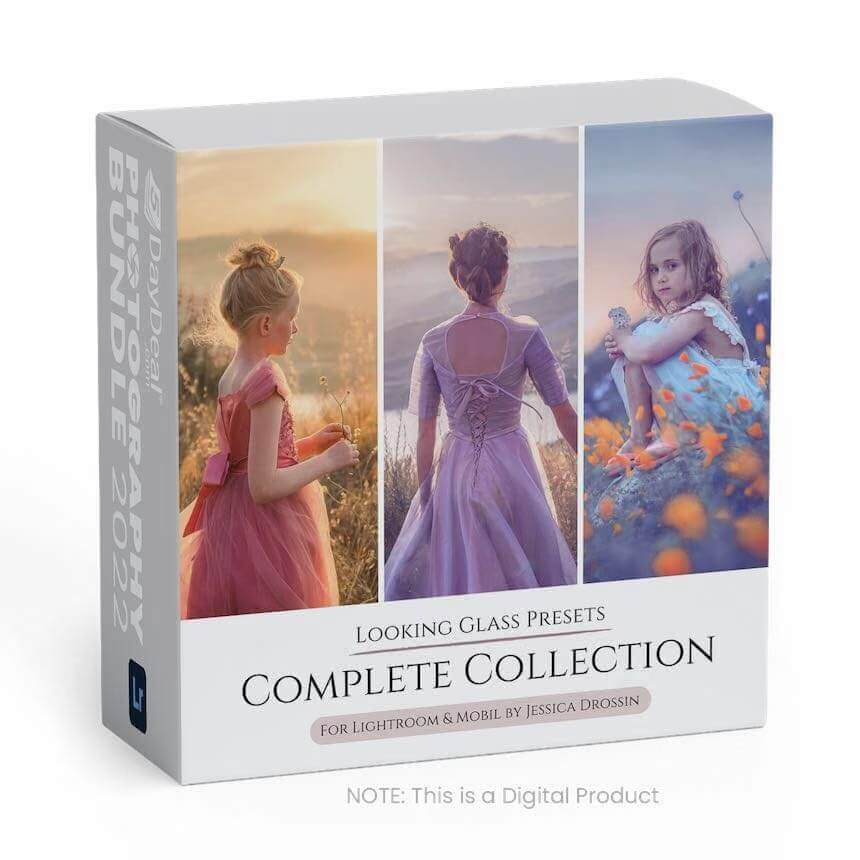
JD Looking Glass Presets Complete Collection
3 Set Bundle of Warm, Cool, and Backlight




$
99.99
Included in the Main Bundle!
JD Looking Glass Presets Complete Collection
Jessica Drossin
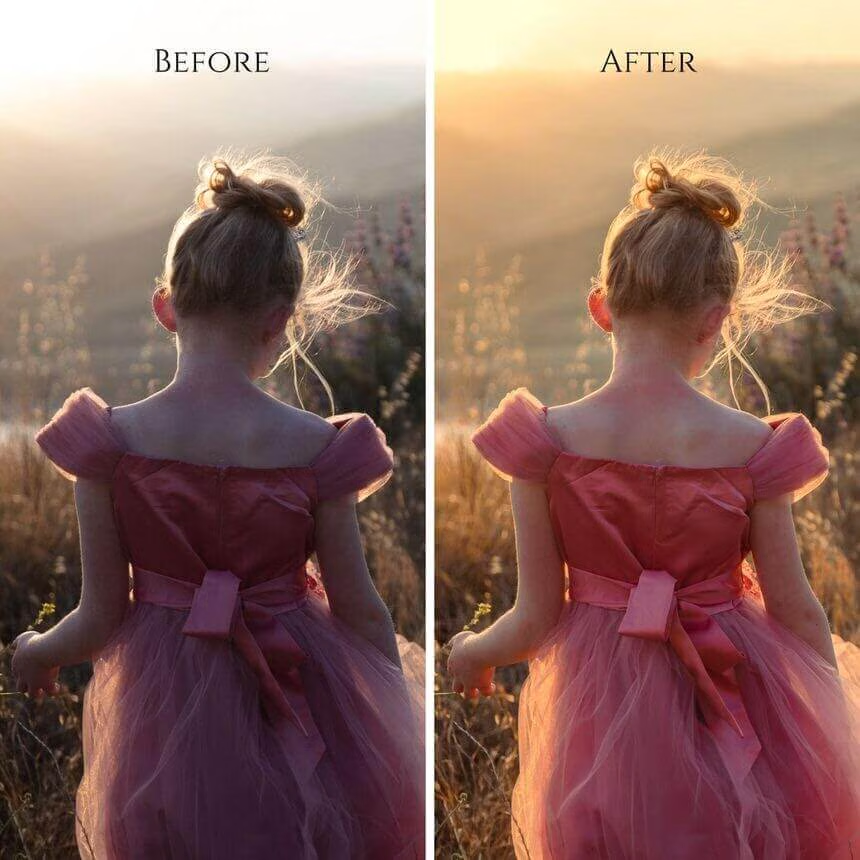
Instantly balance and add fine-art tones to your backlit portraits and landscape shots.


*Instantly balance and add fine-art tones to your backlit portraits and landscape shots. *
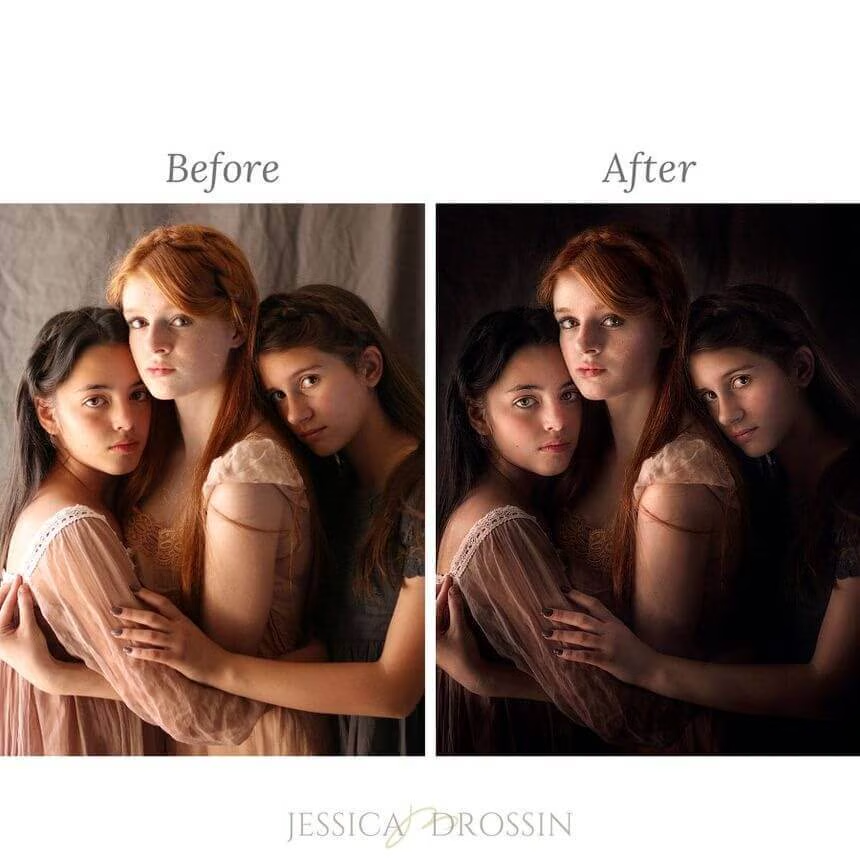
These presets are particularly useful for correcting details lost in shadow, balancing underexposed shots, and bringing back skies without time-consuming exposure blends. Each preset has been carefully calibrated to ensure good skin tones for portrait photographers. Start subtle and build upon your favorite tones with the Toolkit Presets ($19 value, included free with the pack) to add impact, and detail, and make basic corrections in Lightroom or Adobe Camera Raw.
Each Looking Glass Set includes presets for BOTH Lightroom and Adobe Camera Raw, as well as actions for use within Photoshop Creative Cloud, allowing users to use a variety of application programs. Because each of these programs functions differently, some presets/actions may be found in slightly different areas. Please see the list below. All tones and toolkit adjustments are consistent from the application program to program (for example, the tones and contrast in “Antique” look the same in LR, ACR, and Photoshop).
Please note, these actions will only work in Photoshop CC once the ACR presets have first been installed.
All Three Sets of Lightroom Presets Total, Including:
- 63 Exposure Balanced, Color-Toning Options Intended for Backlit Photos
- 27 Toolkit Presets Customize Contrasts, Saturation, Details, Sharpening, and Noise
- Multiple Resets Allow Easy Undos
All Three Sets of Adobe Camera Raw (ACR) Presets Total, Including:
- 63 Exposure Balanced, Color-Toning Options Intended for Backlit Photos
- 24 Toolkit Presets Customize Contrasts, Saturation, Details, Sharpening, and Noise
- Multiple Resets Allow Easy Undos
All Three Sets of Photoshop Actions Total, Including:
- 63 Exposure Balanced, Color-Toning Options Intended for Backlit Photos
- 19 Toolkit Actions Customize Contrasts, Saturation, Details, Sharpening, and Noise
Just Peachy
Fine Art Editing Tutorial

$
199.00
Included in the Main Bundle!
Just Peachy
Shannon Squires
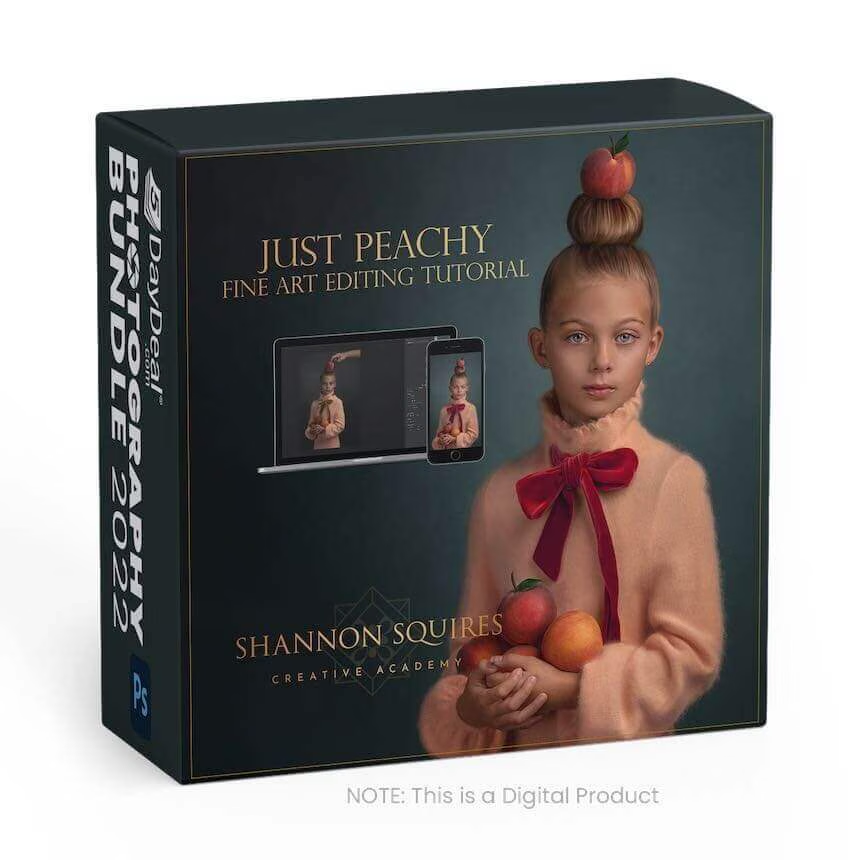
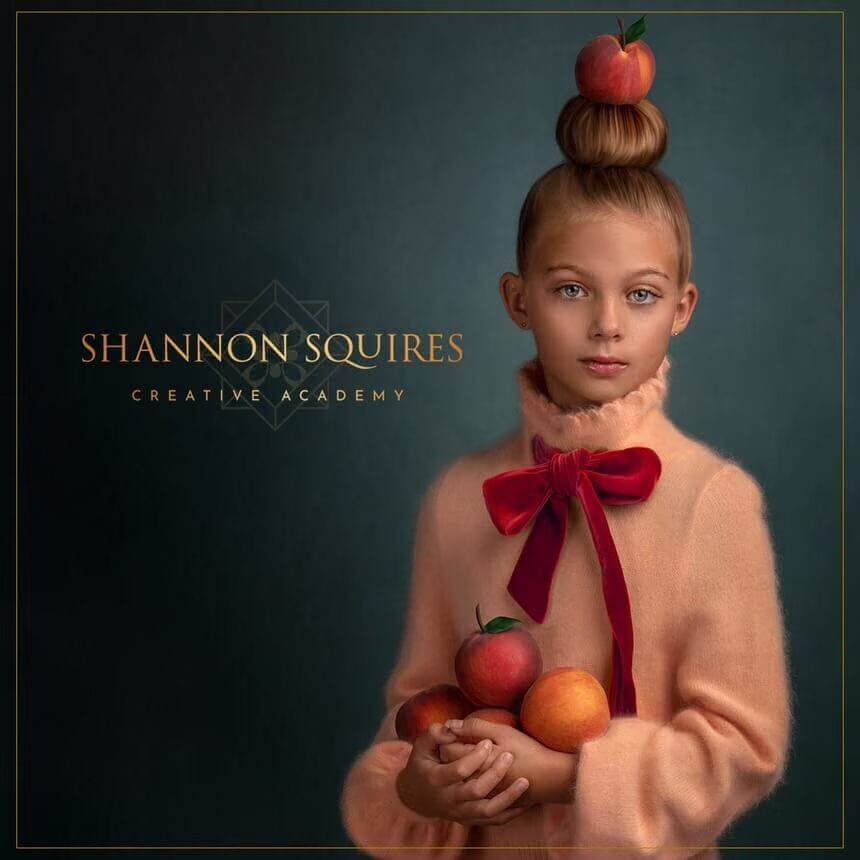
Don't miss out on learning Shannon's award-winning editing technique.
Learn how to masterfully create fine-art photos.
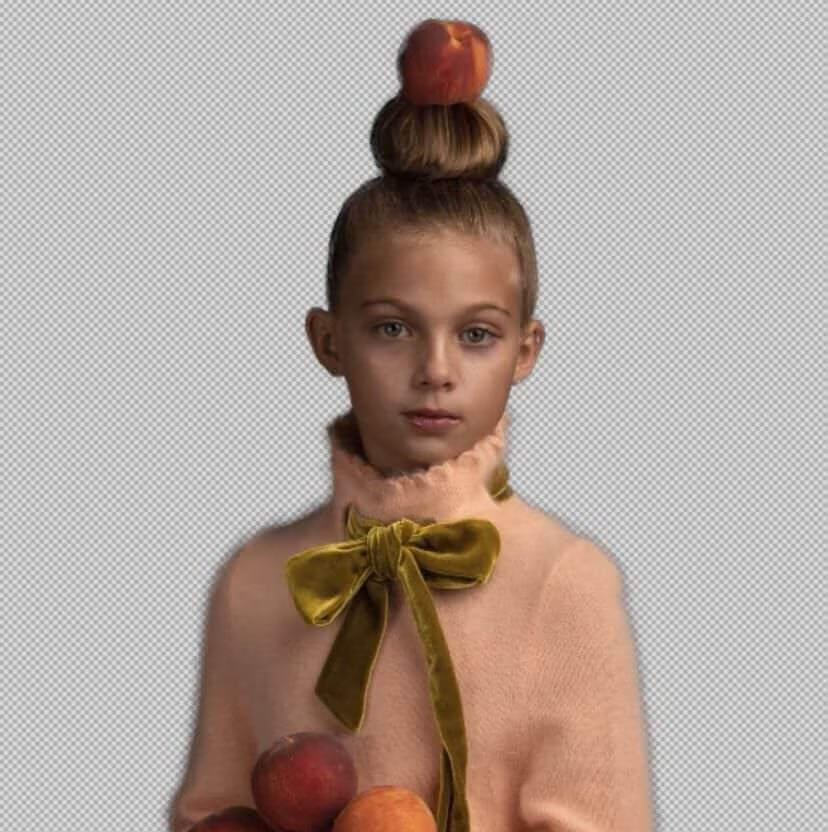
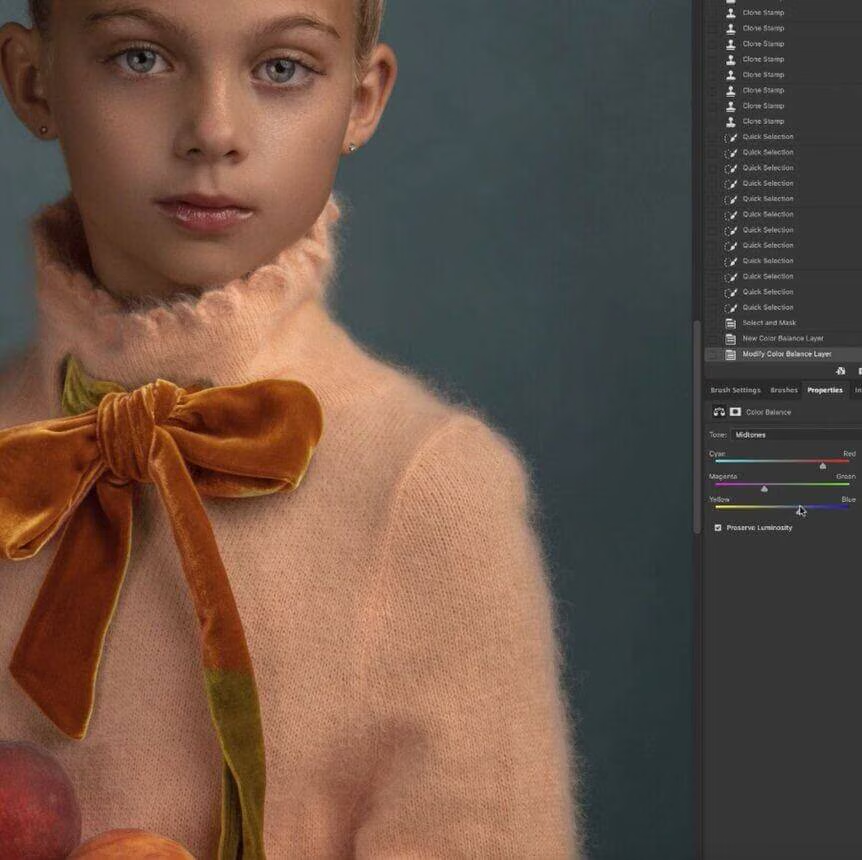
Watch as Shannon shows you how she accomplishes her fine art editing style. Watch from start to finish as Shannon walks you through skin retouching, eye retouching, creating a painting photo that still photos realistic, and much more.
Broken up into 2 easy to watch videos, and each video will walk you through individual steps.
Starting with clean-up and color correction, then moving into backdrop replacement, skin retouching, shaping the subject, adding new elements with hand drawing, then finally photo realistic painting techniques.
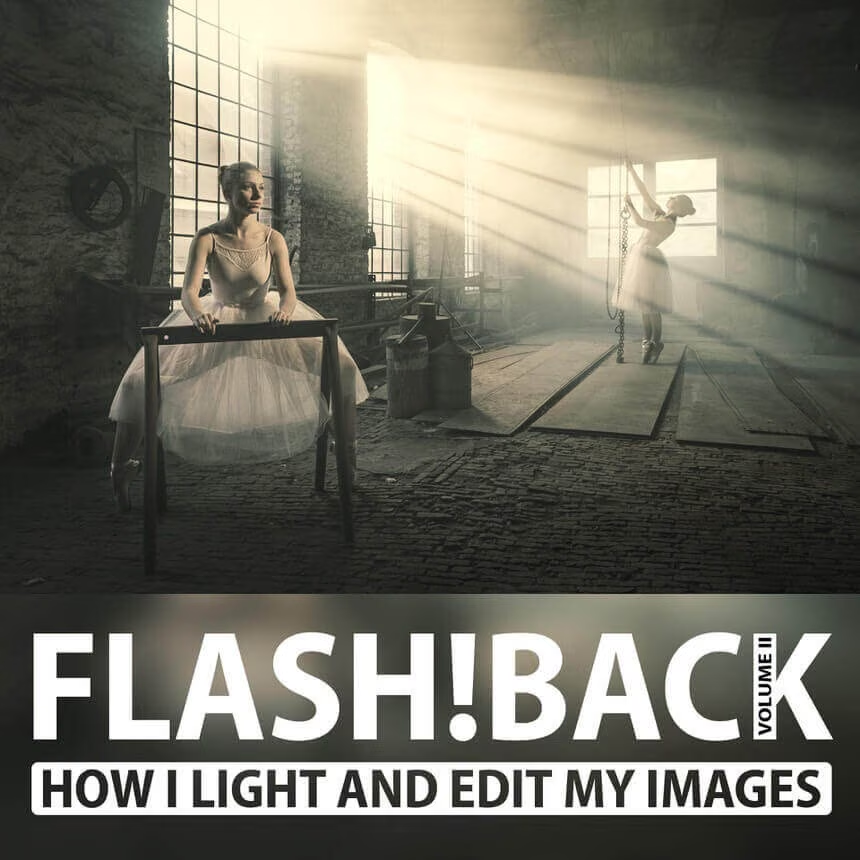
Flash!Back, Volume II
How I lit and processed my favorite images


$
99.00
Included in the Main Bundle!
Flash!Back, Volume II
Piet Van den Eynde
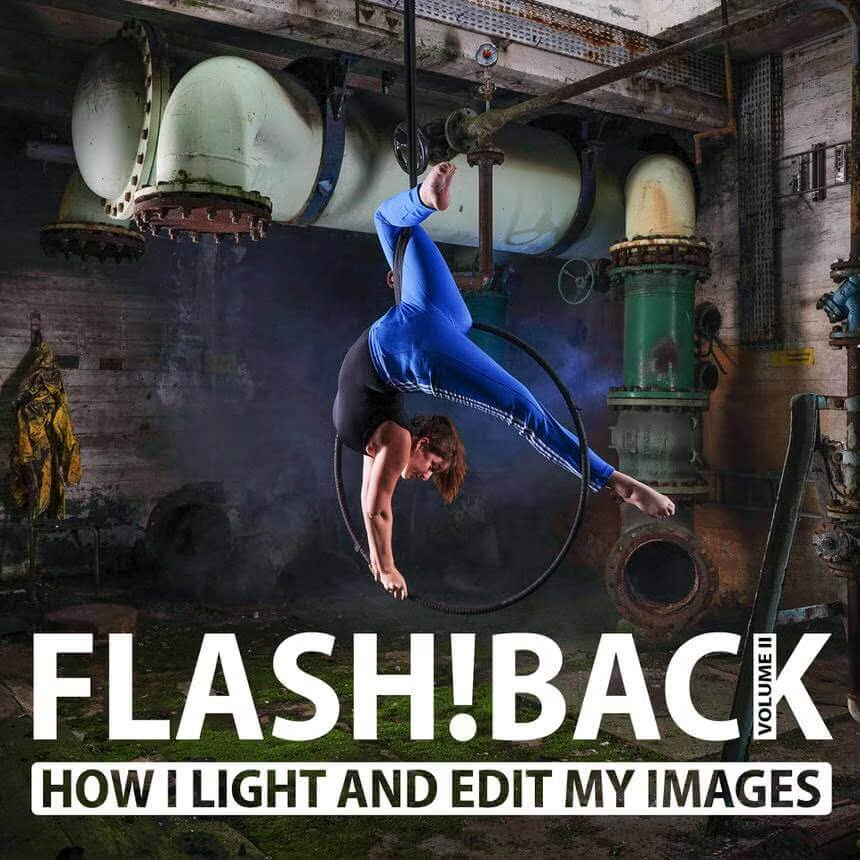
A video tutorial on how Photographer and Lightroom Certified Expert, Piet Van den Eynde, lit and edited ten of his favorite flash photos.
Are you interested in flash photography or do you prefer image editing?
With my brand new Flash!Back Volume II tutorial, you don't have to choose, because I'll take you along the story, the gear, the light set-up, and the post-processing of some of my favorite flash photos.
Using behind-the-scenes videos, photos, or 3D lighting setups, you get to follow along step-by-step how the RAW file was created. Then I'll show you how I apply the finishing touches with Lightroom, Photoshop, or plug-ins. From a simple single flash to using multiple heavier strobes and from one-click post-processing in Lightroom to more advanced finishes in Photoshop, it's all covered in this new tutorial.
After watching Flash!Back Volume II, you’ll be one giant step closer to creating your own beautiful flash-lit images.
Adobe Lightroom Certified Expert, Piet Van den Eynde, takes you behind the scenes of ten of his favorite flash photos. Through a mix of behind-the-scenes videos, lighting setups, and 3D lighting schemes, you’ll not only learn how Piet lit each image but also how he edited it in Lightroom, Photoshop, and plug-ins to get to the final result.
Piet will also take reveal the lighting gear he used, which varies from simple hot shot flashes to more powerful but still affordable portable studio strobes. After watching this course, you’ll have a bunch of new and exciting lighting and processing skills in your bag of photography techniques, ready to apply to your own images.
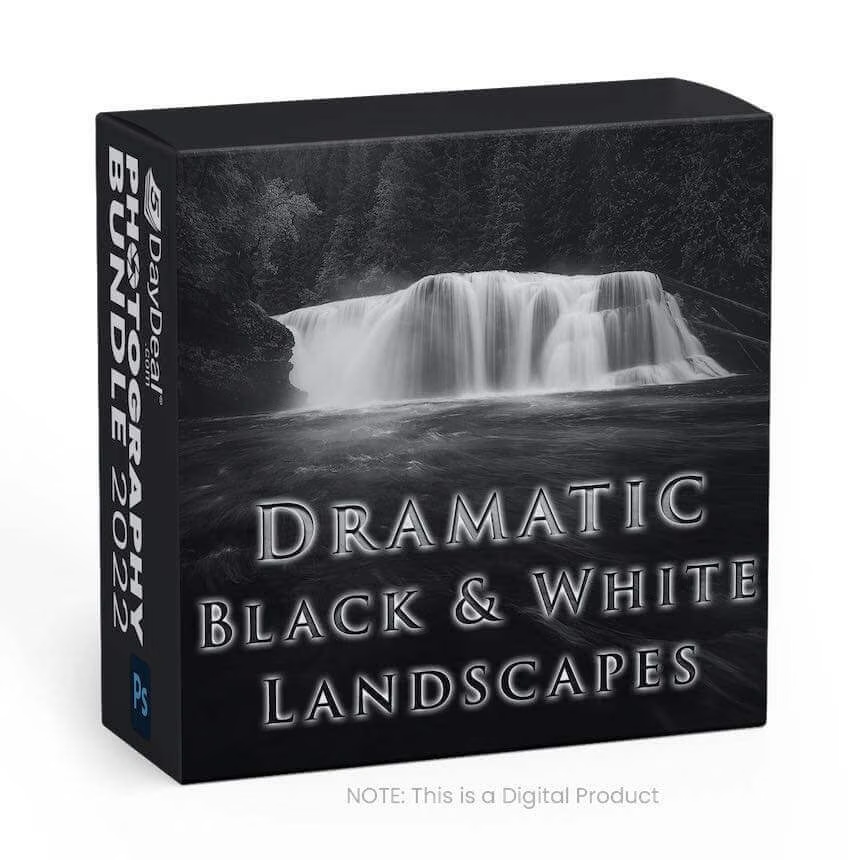
Dramatic Black & White Landscapes
Post processing B&W landscapes in photoshop


$
49.00
Included in the Main Bundle!
Dramatic Black & White Landscapes
Nick Page
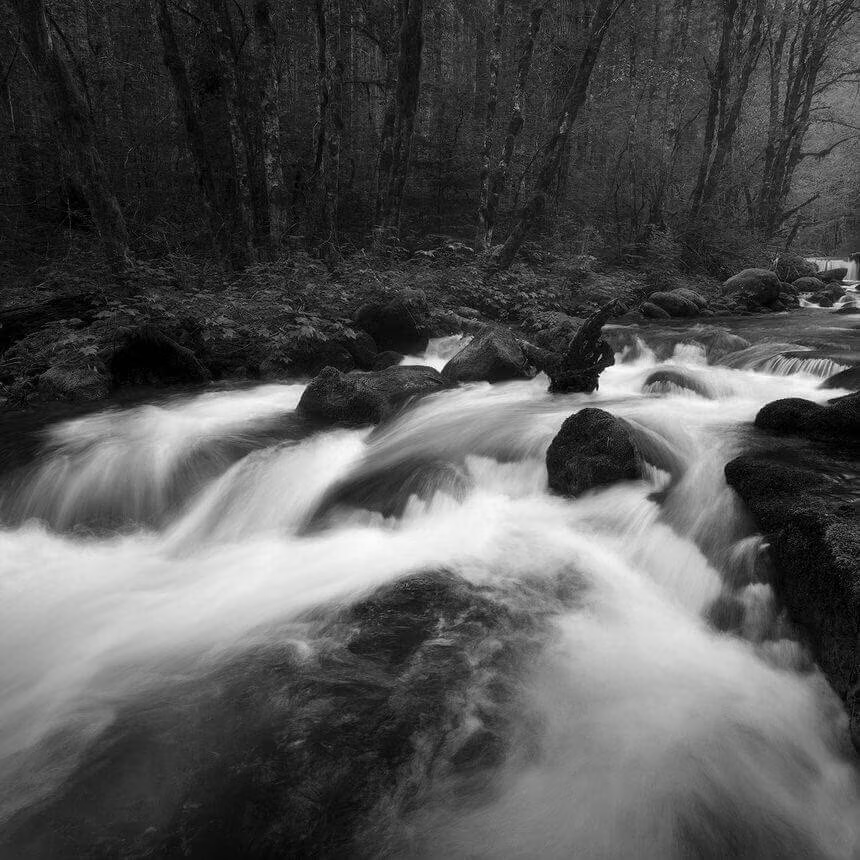
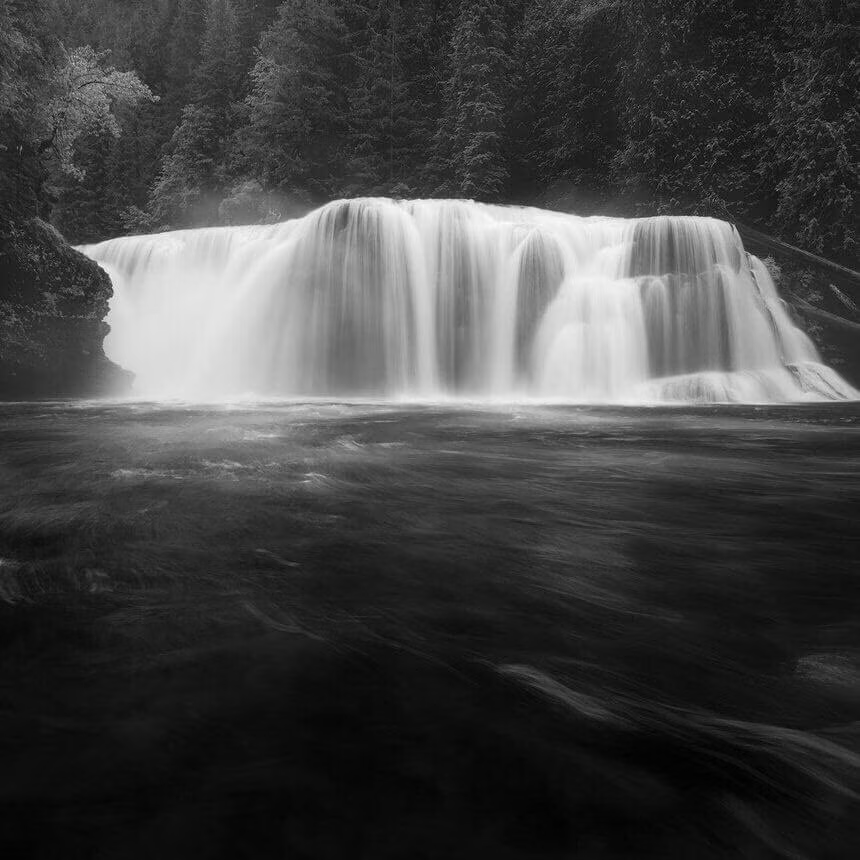
In this tutorial series, Nick shows you his process to create dramatic and impactful Black and White Landscapes in Photoshop.
Creating Black and White landscapes is an art all of its own.
In this tutorial series, Nick shows you his process to create dramatic and impactful black-and-white images utilizing photoshop.
Covered in this course:
- Utilizing smart objects in a black-and-white workflow
- Utilizing Adobe Camera RAW in Black and white conversions
- Maximizing contrast
- Maximizing visual flow
- Using Luminosity Masks to maximize contrast and depth
- Utilizing Luminosity Masks to control dynamic range and control the eye
- Cleaning up visual distractions
- Controlling visual flow through color separation
This course has 4 tutorial walkthroughs with a combined runtime of 1.5 hours
Photoshop for Beginners
with Scott Kelby



$
29.00
Included in the Main Bundle!
Photoshop for Beginners
KelbyOne
12 essential techniques and concepts you need to know to get started using Photoshop.
If you’re new to Photoshop, this is the class for you!
Join Scott as he takes you through the 12 essential techniques and concepts that you need to know to get started using Photoshop. Once you’ve got these under your belt, you’ll be ready to head off into any Photoshop direction you choose.
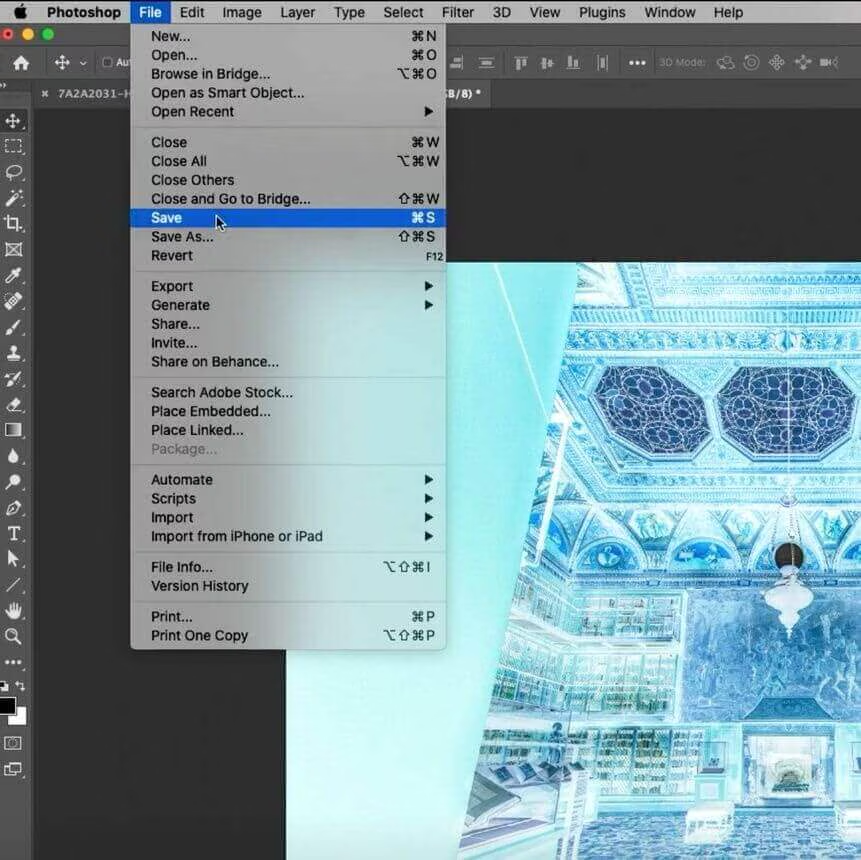
In this class, you’ll learn the essentials for opening and navigating around photos, using panels, using the most common tools, making selections, removing things from Photoshop, using brushes, using filters, and much more. These are exactly the techniques Scott would tell a friend to get them up and running with the most powerful image editor ever created. By the end of the class, you’ll feel confident to start diving deeper into more advanced techniques.
LESSON 1: Opening Photos (course preview)
Join Scott as he introduces the class and discusses what will be covered in the lessons that follow, then jumps into ways to open photos in Photoshop.
LESSON 2: Getting Around in Photoshop
There are a lot of ways to get around in Photoshop and view your photos.
LESSON 3: Using Panels
Within Photoshop are sets of panels that contain everything from the tools you can use to controls for those tools and more.
LESSON 4: Cropping Photos
Cropping is the most commonly used tool in Photoshop.
LESSON 5: Getting Started with Selections
Learn what selections are and how to make them.
LESSON 6: Making Selections Easier
We started with the manual selection tools, but there are ways to make selections even easier.
LESSON 7: Removing Things from Photoshop
A big part of what we do is remove things from Photoshop.
LESSON 8: Working with Brushes
There are a lot of brush-based tools in Photoshop, and you’ll want to know how to configure them for your needs.
LESSON 9: Working with Layers
Understanding how layers work unlocks one of Photoshop’s biggest superpowers.
LESSON 10: Digging Deeper into Layers
From blend modes to replacing the sky, there are so many powerful things you can do with layers.
LESSON 11: Free Transform
There are things about Free Transform that you’ll need to know.
LESSON 12: Filters
There are a ton of filters in Photoshop, but here are the ones you need to know.
LESSON 13: Camera Raw
The Camera Raw plug-in for Photoshop is a powerful editor for raw photos.
LESSON 14: Sizing Images and the Canvas
When you need to resize photos there is a special command inside Photoshop to make photos larger or smaller.
25 Easy Portrait Retouching Techniques
for Photographers


$
29.00
Included in the Main Bundle!
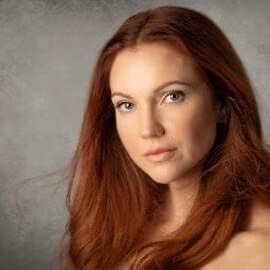
25 Easy Portrait Retouching Techniques
KelbyOne
Join Scott Kelby as he shows you 25 quick and easy portrait retouching techniques designed with photographers in mind.
As photographers, we are often faced with having to retouch our own portrait sessions.
Join Scott Kelby as he shows you **25 quick and easy portrait retouching techniques **designed with photographers in mind. This class is designed so that you can jump into any lesson, based on the topic you want to learn.
Each lesson is short, sweet, and to the point, so whether you need to learn how to retouch an eyebrow, brighten skin, reduce wrinkles in clothing, add catchlights, or a whole host of other retouching techniques, just find the topics that interest you and dive right in!
Cleaning Up Your Mess in Lightroom Classic & Image Cleanup in Photoshop
Restore Order to Lightroom Classic & Use Photoshop to remove distracting elements




$
138.00
Included in the Main Bundle!
Cleaning Up Your Mess in Lightroom Classic & Image Cleanup in Photoshop
GreyLearning Tim Grey
Tim Grey's Courses help you restore order and learn a variety of techniques for removing visual distractions.
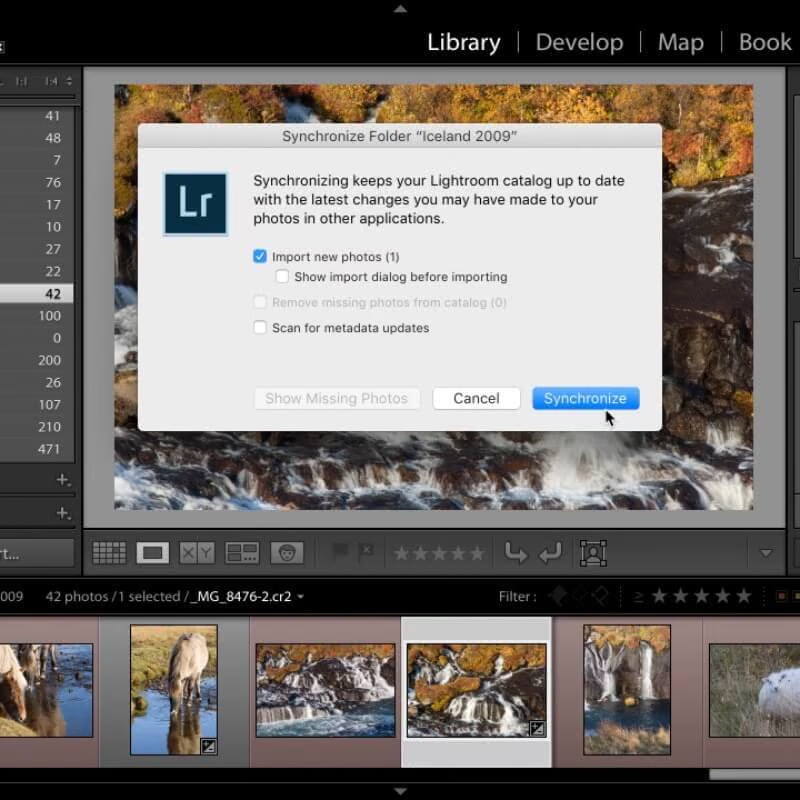
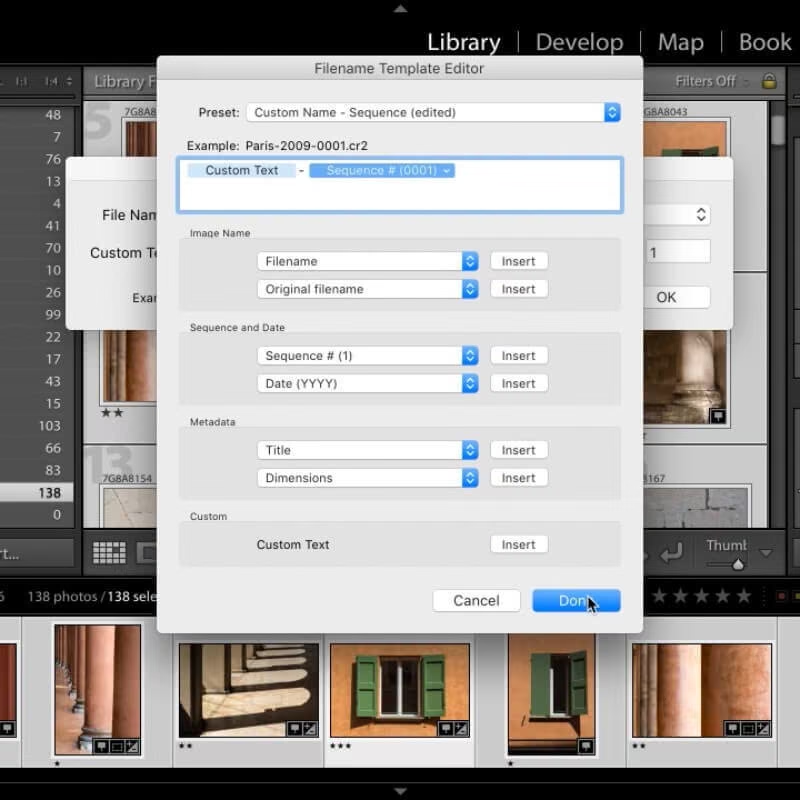
In his Master Course for Cleaning Up Your Mess in Lightroom, Tim Grey shows you how to bring order to the chaos that many photographers have created with their workflow in Adobe Lightroom. With this course you'll learn how to:
- Merge multiple catalogs into a single "master" catalog
- Locate (and reconnect) missing folders and photos
- Consolidate and reorganize your folders
- Resolve metadata mismatches
- And much more!
Course Duration: 5 Hours 14 Minutes
In short, Tim will help you resolve the challenges that many photographers face within Lightroom. Along the way, he'll guide you through the process of defining your approach to cleaning up your mess in Lightroom, and help you make some of the decisions about an improved organizational workflow moving forward.
Image Cleanup in Photoshop:
Even the tiniest blemish in a photo can draw attention from the subject of your photo and diminish the quality of the image. In this course, Tim Grey will help you understand many of the ways you can resolve visible blemishes and other distractions in your photos using Adobe Photoshop.
You'll learn about some of the general concepts related to image cleanup, and gain an understanding of some of the overall corrections you can apply to photos such as cropping, reducing the appearance of noise, removing color fringing, and more.
You'll then learn about all of the various tools in Photoshop that are focused on cleaning up blemishes and distractions in your images and get tips to help you make the most of each tool along the way.
Learning to See: A Photographer’s Guide
Audiobook





$
30.00
Included in the Main Bundle!
Learning to See: A Photographer’s Guide
David Molnar
This book teaches readers to learn to see because, in the end, that’s what a photographer does: notice what other people often miss.



David Molnar has never forgotten what it felt like to struggle through a decade of learning this craft, wishing for a guide to show him a straightforward path to success. Even as he rose to the top of his field—with tens of millions of people seeing his photos on album covers, soda cans, and magazines. David dreamed of being the mentor he needed.
Since then, he has refined a simple framework that any photographer can use to pursue their dreams. Whether you want to take better snapshots, book the occasional gig, or earn a full-time income, his 5-step process will help get you there.
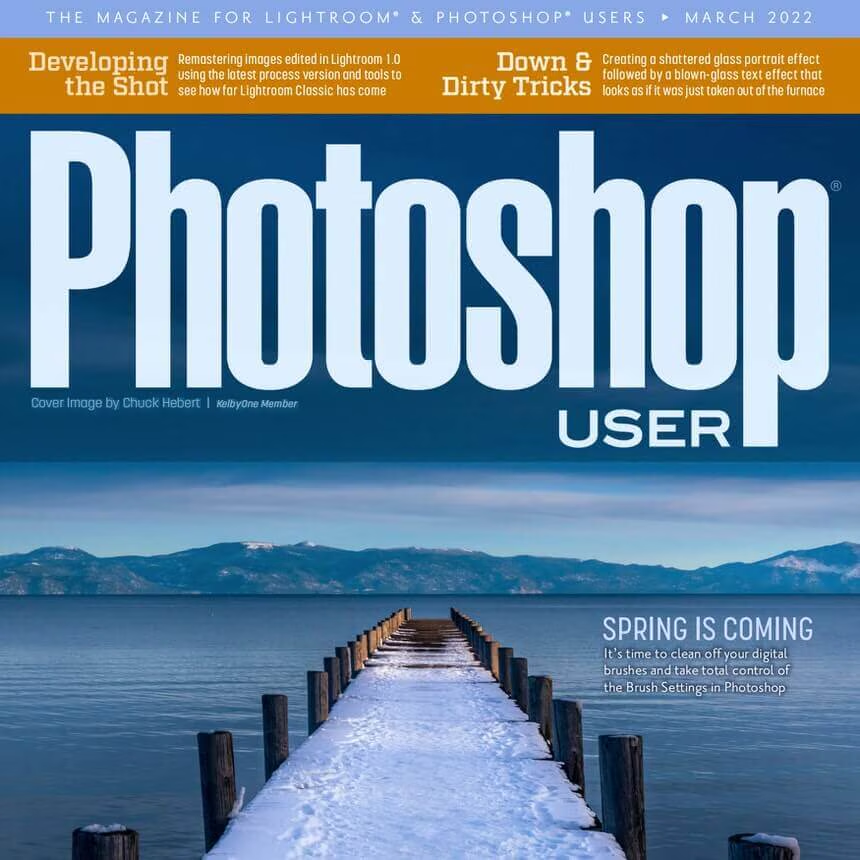
Erik Kuna’s Sky Replacements
Twilight & Milkyway Edition


$
19.99
Included in the Main Bundle!
Erik Kuna’s Sky Replacements
KelbyOne
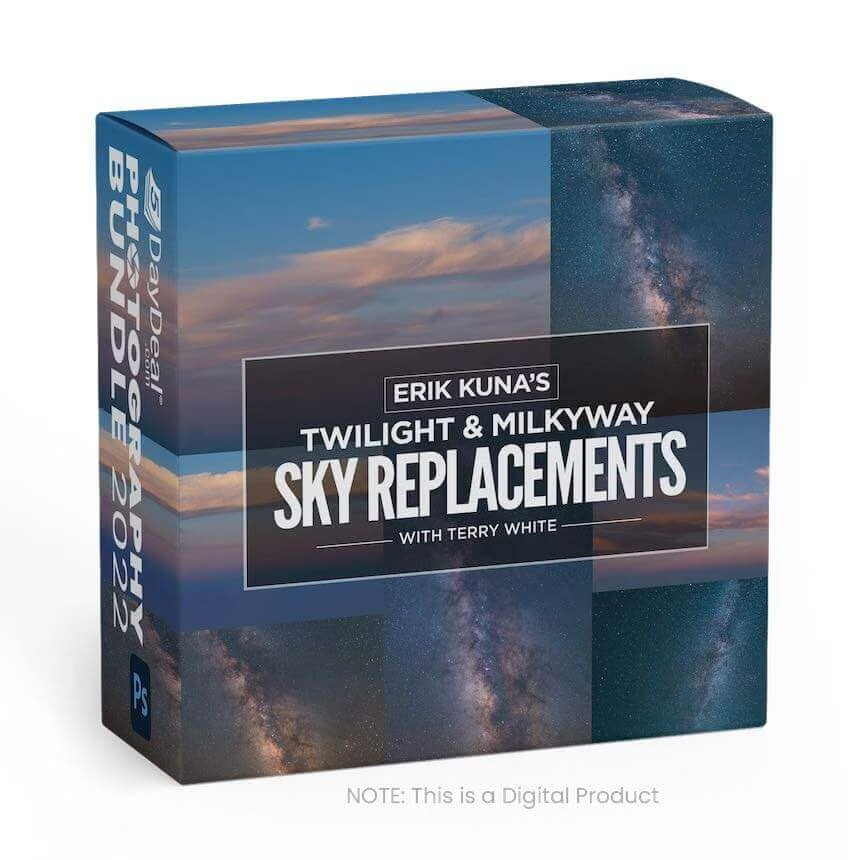
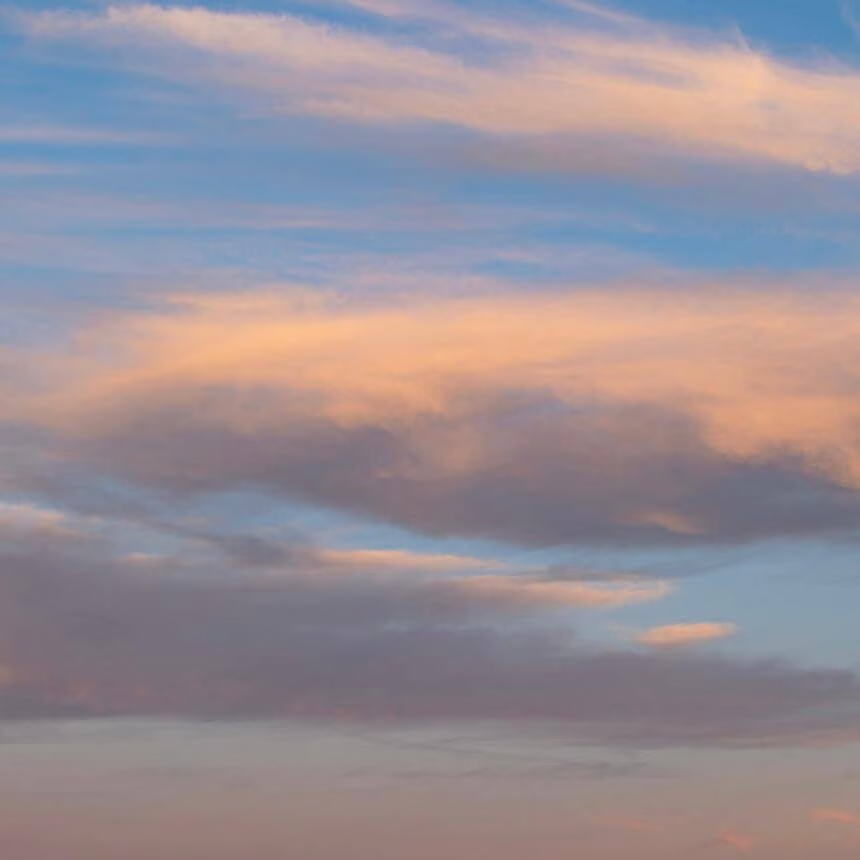
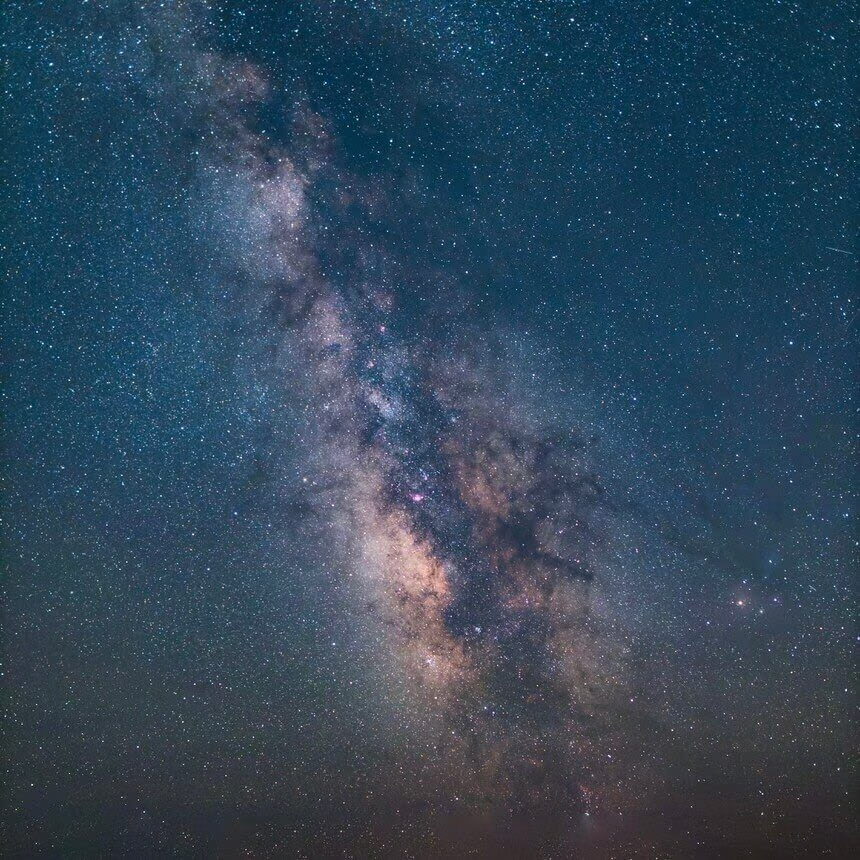
Enhance your evening/night landscape and travel images with these 12 beautiful milky way and twilight photographs, taken by Erik Kuna!
Enhance your evening/night landscape and travel images with these 12 beautiful milky way and twilight photographs, taken by Erik Kuna!
Landscape Photography Course for Beginners
Filmed in Norway with Benjamin Jaworskyj


$
49.00
Included in the Main Bundle!
Landscape Photography Course for Beginners
Benjamin Jaworskyj
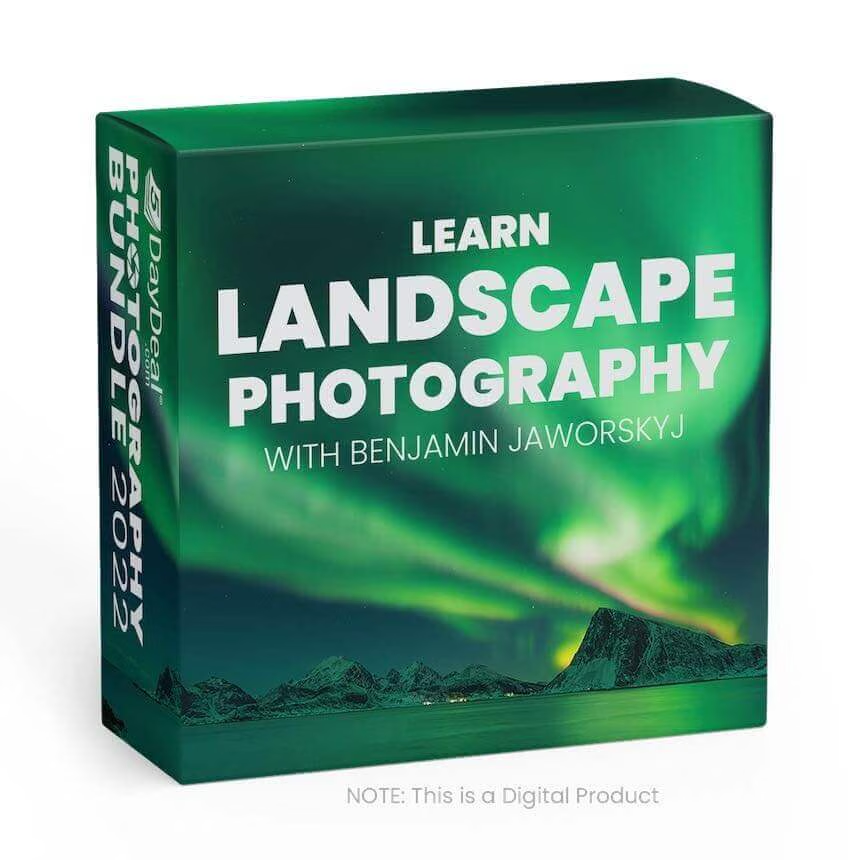
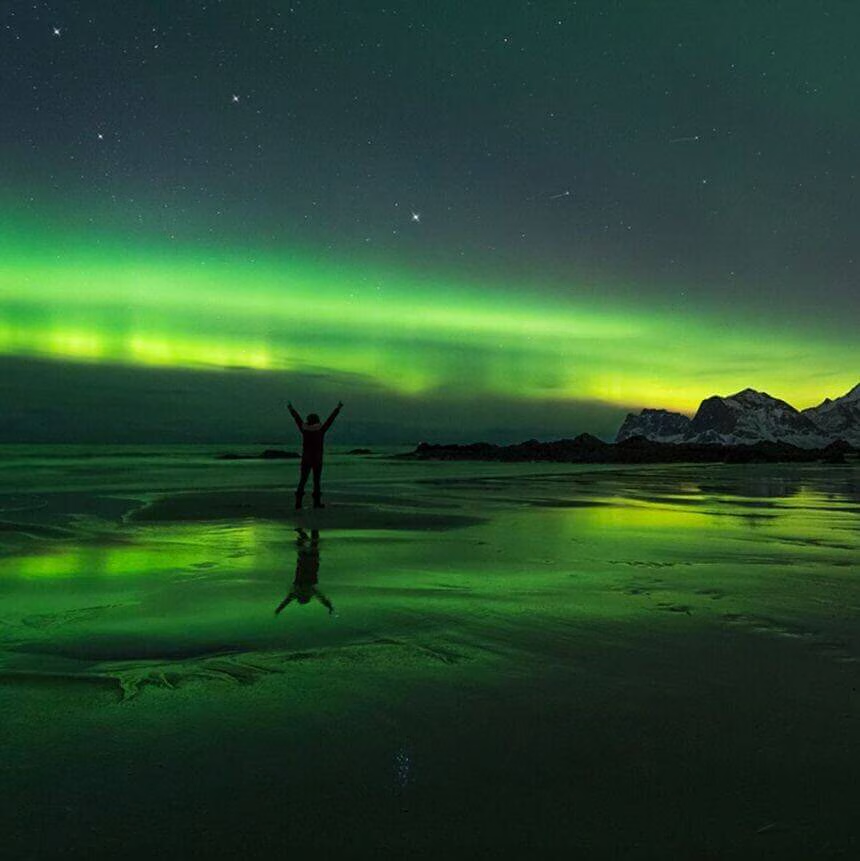
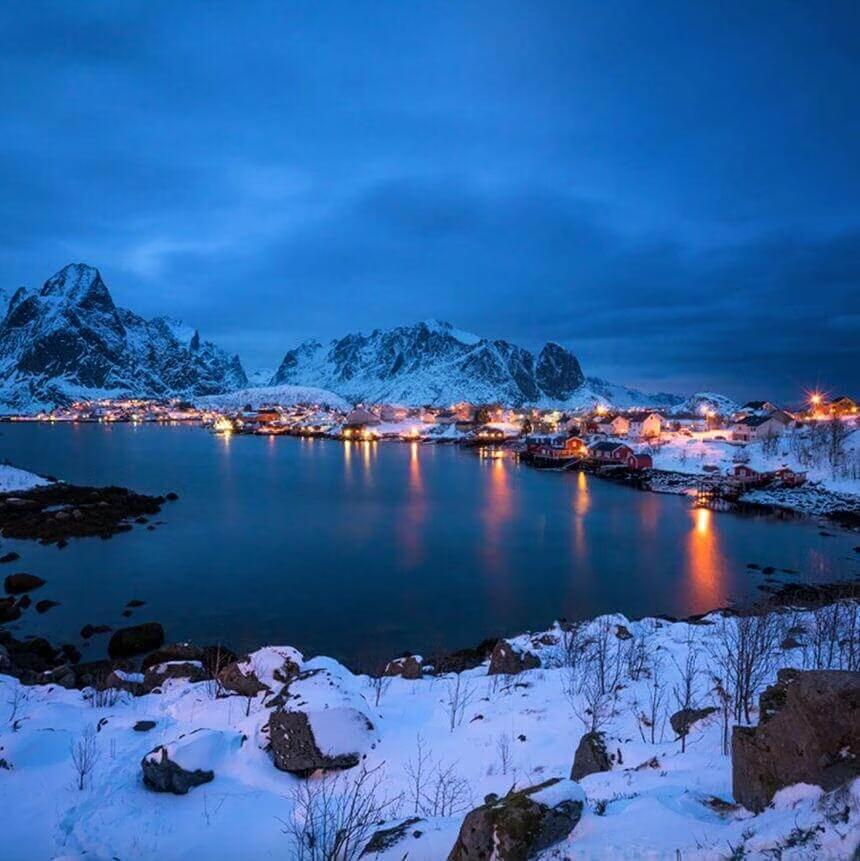
Learn the basics of landscape photography with adventure photographer Benjamin Jaworskyj. Filmed in the breathtaking scenery of Norway.
Do you want to improve your landscape photography skills?
Adventure Photographer Benjamin Jaworskyj traveled to the Lofoten Islands in Norway to teach you his secrets and tricks to improve your landscape photos.
Join Benjamin Jaworskyj on a landscape photography adventure
Photographer Benjamin Jaworskyj takes you on a landscape photography journey to the Lofoten Islands in Norway. Enjoy the incredible landscape scenery while Ben teaches you his secrets and tricks about landscape photography.
During the course, he doesn’t sit inside his studio and tell you theoretical blabla. We'll go out into nature and improve our landscape photography game. The video course is not just instructional but also entertaining and motivating.
- How do I get proper exposure?
- What little tricks do I need to know to get the best details in my photos?
- How do I compose an image?
- What are landscape photography filters? Which one should I use? When should I use them?
Topics Covered:
- Equipment
- Exposure
- Focus
- Composition
- Graduated Filter
- ND Filter
- Polarizing Filter
- Foreground
- Reflections
- Daytime Long Exposure
- Blue Hour
- Northern Lights
Sort: Landscape Photography Video Course
Length: **126 Min. / 2 h
**Size:_ _3,26 GB in 2 parts
Amount: 13 Videos as compressed Zip
Format: Full HD .mp4
Hosted and made by Benjamin Jaworskyj
The download via Smartphone or Tablet is not recommended, due to size and zip format.
Mermaid Tail Overlays & Fairy Wing Overlay Collection
2 Mystical Collections



$
99.98
Included in the Main Bundle!
Mermaid Tail Overlays & Fairy Wing Overlay Collection
Summerana
Create magical fairy and mermaid composites for your clients!

Two whimsical collections from Summerana instructor, Shannon Squires!
Mermaid Photo Sessions? Yes, please!
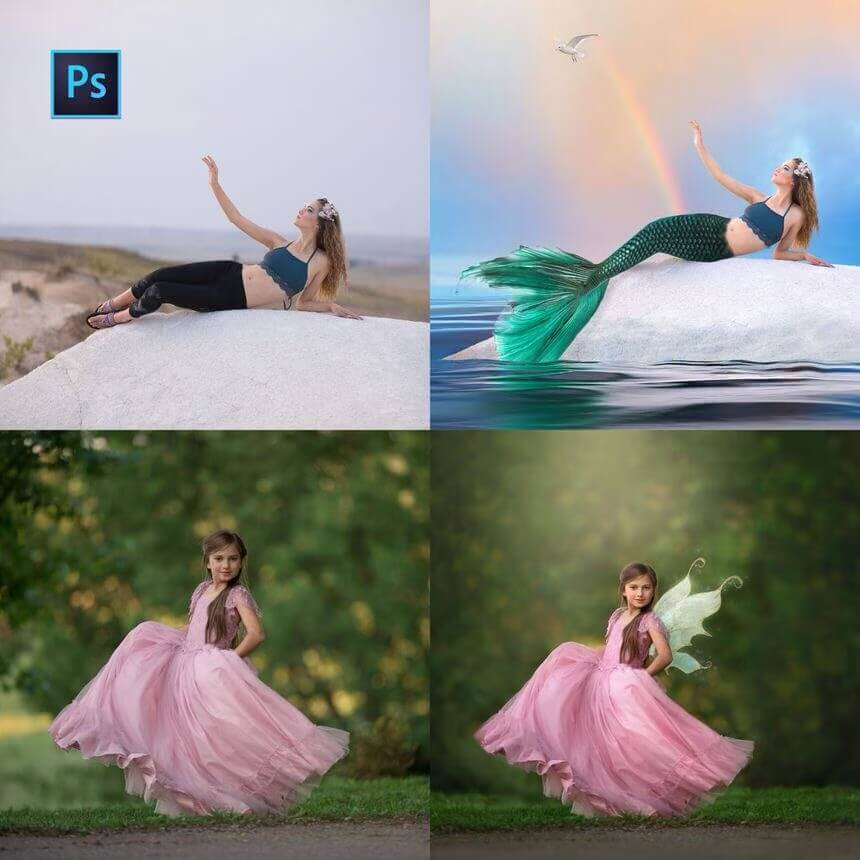
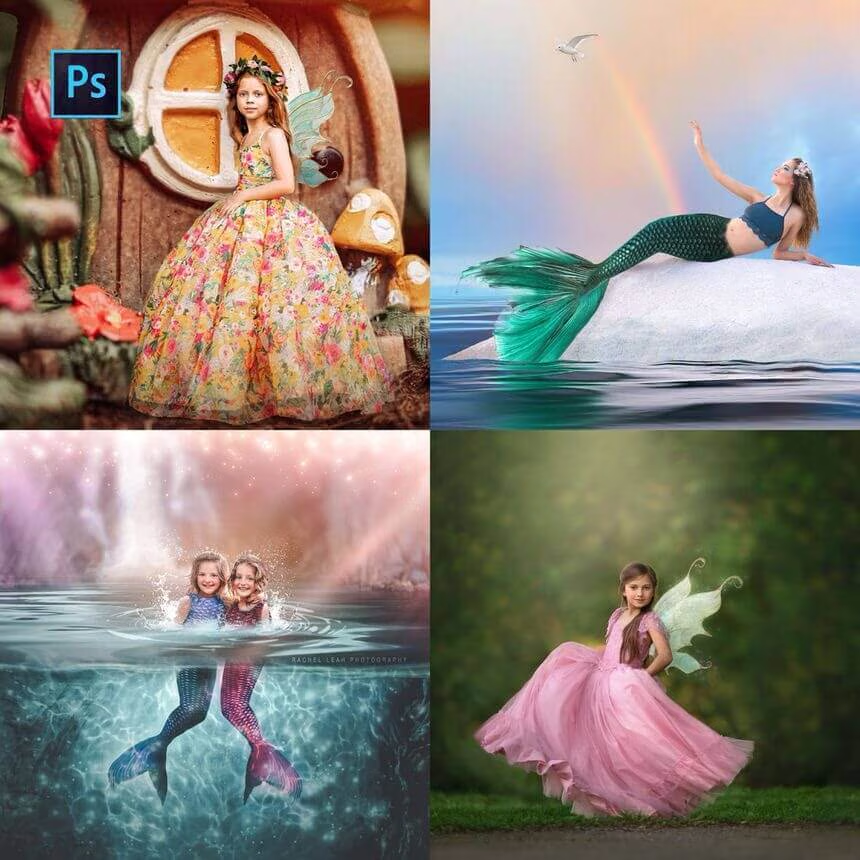
Create magical mermaid composites for your clients with these overlays and an editing workshop that demonstrates how to make mermaid composites.
You'll learn how to realistically place them on your subjects, how to blend them, how to expand your image canvas, if needed, to make room for your mermaid tails, and how to adjust the toning, color, depth, light, perspective, and more all through hand editing.
Included in this collection are the following:
-44 High-quality PNG Mermaid Tail Overlays
-Mermaid Composite Editing Workshop
The video tutorial is by Summerana Instructor, Shannon Squires Photography
Display images are courtesy of Rachel Leah Photography, Shannon Squires Photography, Monika Cioban Photography, Nina Rose Photography, Lindsey Lee Photography, and Wee Winks Photography
Fairy Wing Overlay Collection:
Create magical fairy composites for your clients with 60 fairy wing overlays plus an editing workshop that shows you how to create fairy wing composites.
In the workshop, you'll learn how to realistically place your fairy wings on your subjects, how to blend them, how to expand your image canvas if needed to make room for your wings, and how to adjust the toning, color, depth, light, perspective, and more all through hand editing.
Included in this collection are the following:
-60 high-quality PNG Fairy Wings
-Fairy Wing Composite Editing Workshop
Images and Video tutorial is by Summerana Instructor, Shannon Squires Photography
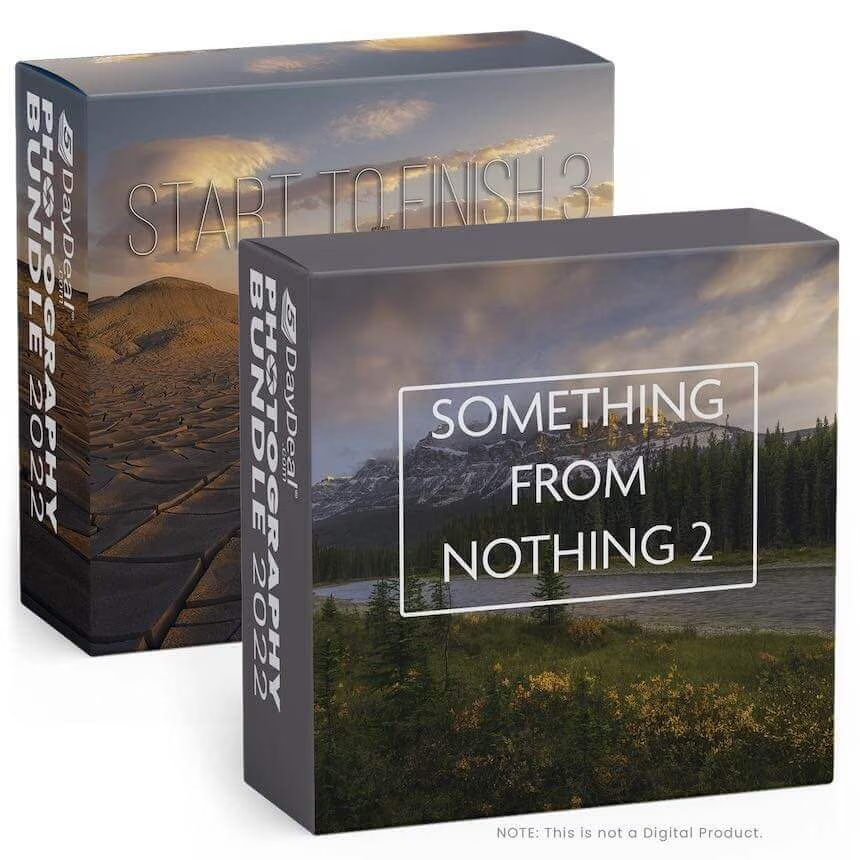
Something From Nothing - 2 & Start to Finish - 3
A Creative Puzzle



$
118.00
Included in the Main Bundle!
Something From Nothing - 2 & Start to Finish - 3
Ryan Dyar
Make something from nothing and learn how to accomplish a unique vision in post.
Something From Nothing - 2
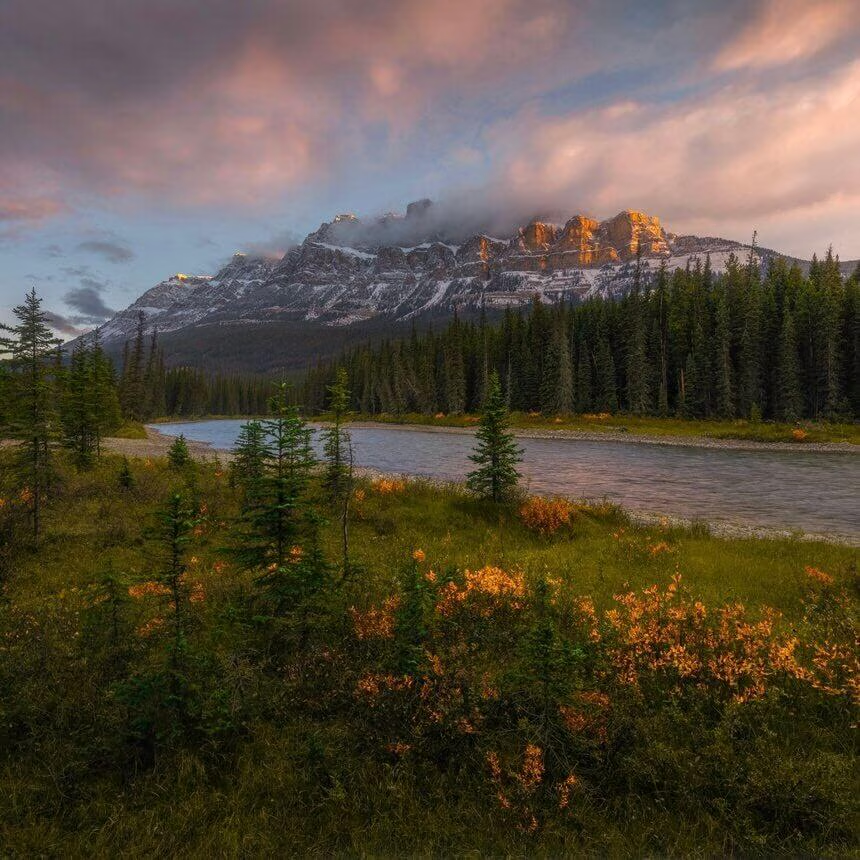
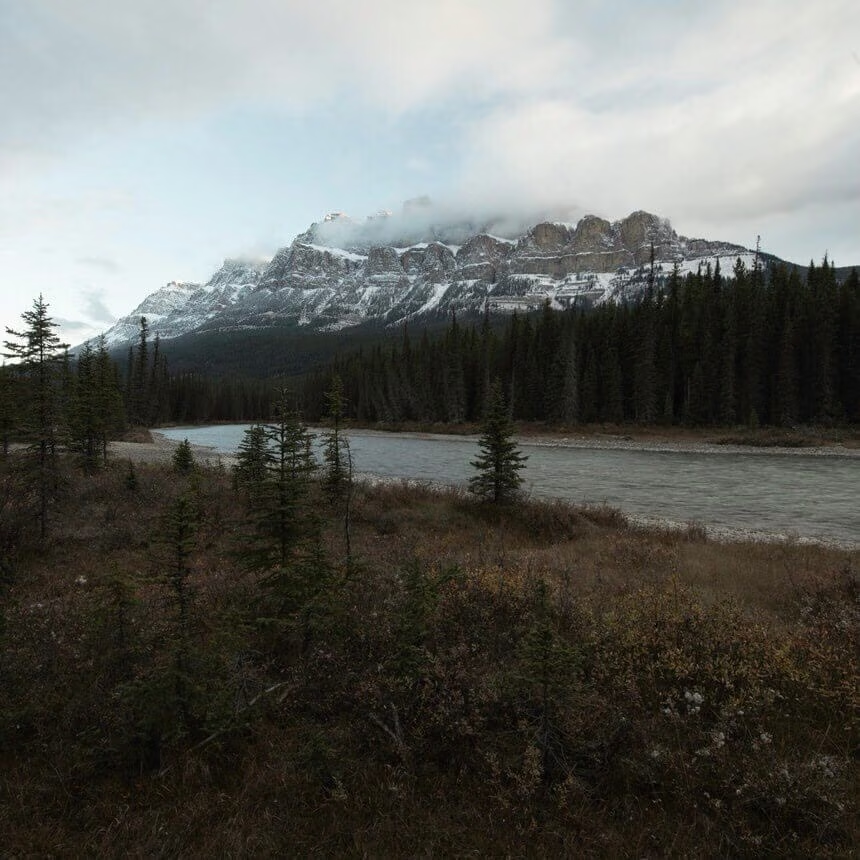
Have you ever taken a photo you were excited about, just to get home and realize that it didn't represent the scene you experienced in the field? Unfortunately, this is a common issue most photographers have experienced. However, with modern software and a little creative vision you can make something from nothing.
This video starts with one of the more bland photos I have ever taken that didn't do the actual scene any justice. Watch along as I bring as much color and light out of the RAW files as possible, clean up the foreground, create a light source to light the mountain, build and enhance cloud structure, and more. Almost two hours of knowledge with no filler!
Start to Finish - 3
Creative vision in the field is what can lead to creative vision in post-processing.
In this tutorial, we go from taking photos for our creative puzzle in the field to piecing them together on the computer. Starting with a multi-layered perspective blend and sky relocation, we go on to perform an entire workflow consisting of RAW processing, range masks, focus stacking, luminosity masks, light creation, warping, liquifying, pinching, atmosphere enhancements, texture adjustments, and much more.
This tutorial covers the modern techniques many of the most creative photographers are using today, yet are very rarely revealed.
Run time: 1h 45m
Includes practice files and actions.
Lightroom Masterclass
Principles and Tools to create extraordinary images



$
49.00
Included in the Main Bundle!
Lightroom Masterclass
Nigel Danson
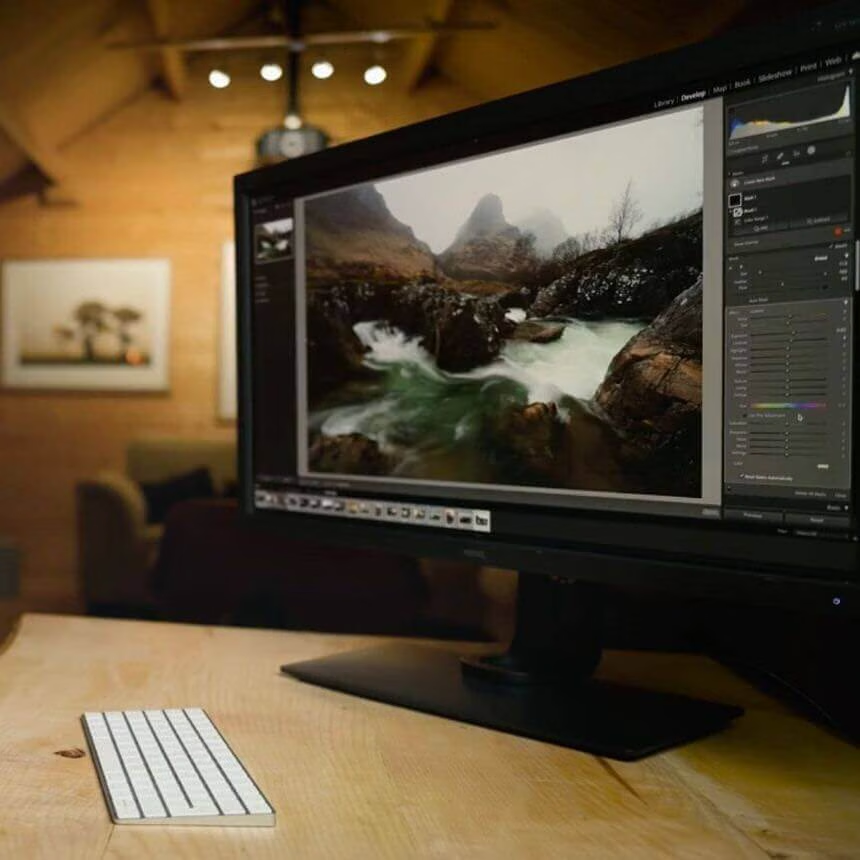
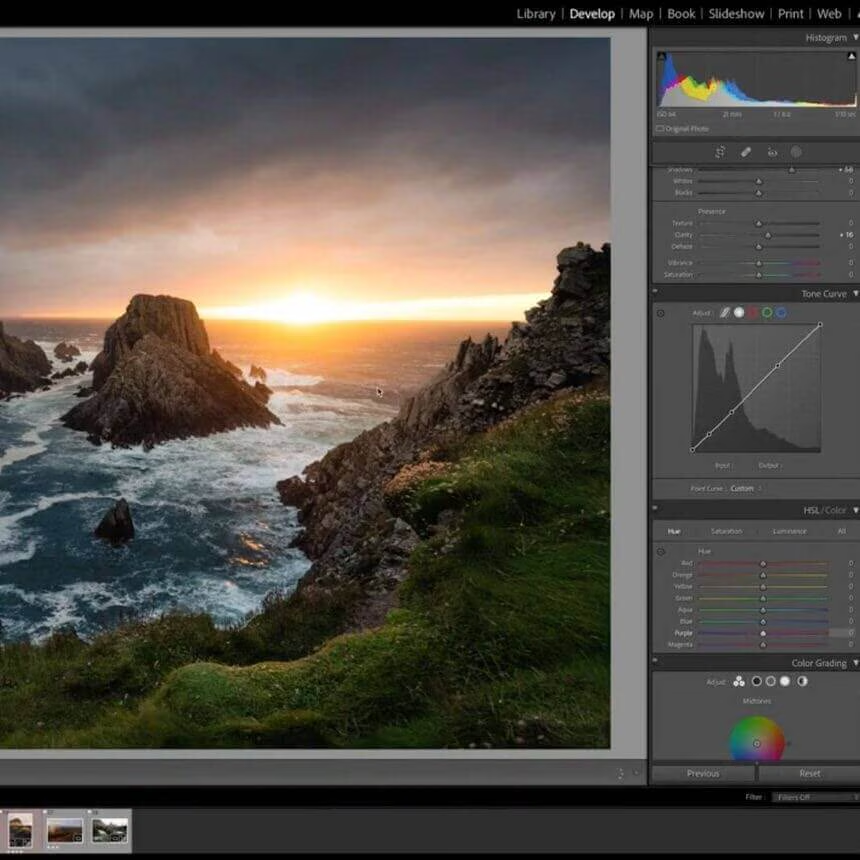
After taking this class, you will be able to unlock your RAW images and show their full potential.
Do you want to make a step change to your photography editing?
If you are new to Adobe Lightroom or have been using it for years and want to make a step change in your images, this course is for you. I'll help you discover new ways of creative editing with the powerful tools within Lightroom.
You will learn how to create mood and drama in your photos and portray the emotion that you had when taking the shot. In this course, I will elaborate, using landscape photos as examples.
After taking the class, you will be able to unlock your RAW images and show their full potential.
Course Curriculum:
Introduction
Welcome to the Class (1:12)
Why I Edit (3:39)
Core Editing Techniques
Overview of the Tools I use in Lightroom (6:43)
Controlling Tones - The Basics (7:49)
HDR and Multiple Exposures (3:31)
Introduction to Masking (12:01)
The Power of Multiple Masks (8:23)
Creative Colour (10:25)
Examples
Broken - Example Edit 1 (14:47)
A Passage of Time - Example Edit 2 (12:29)
Glencoe Waterfall - Example Edit 3 (13:46)
Photographing the Milky Way
With Mads Peter Iversen



$
69.00
Included in the Main Bundle!
Photographing the Milky Way
Mads Peter Iversen
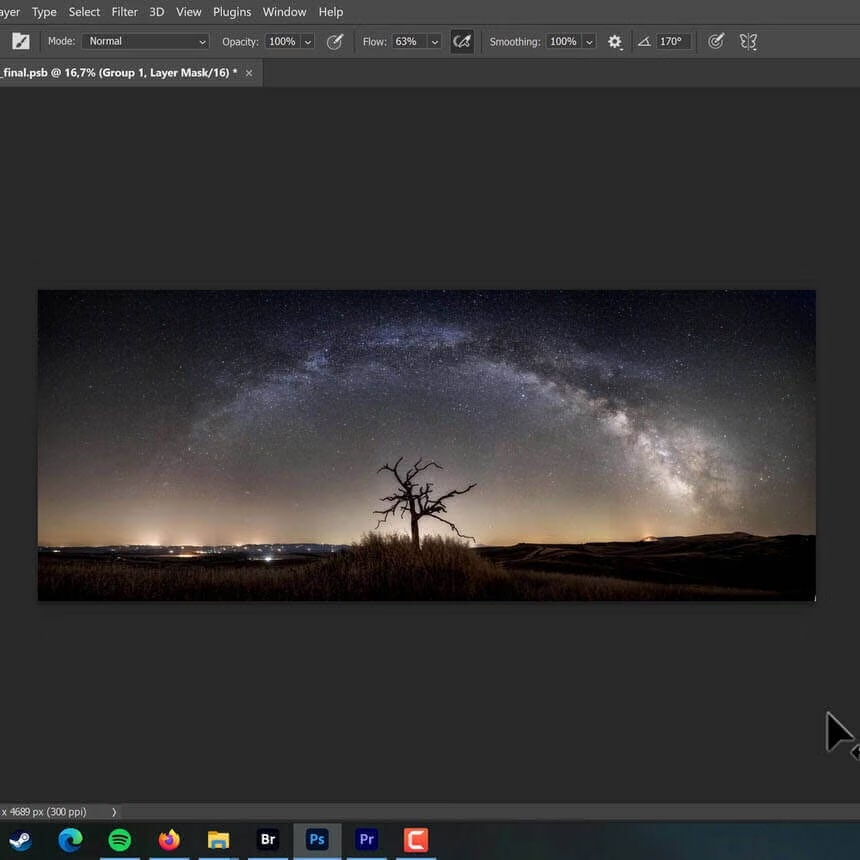
Learn how to photograph and edit three different Milky Way photos: single exposure, stacked, and panorama.
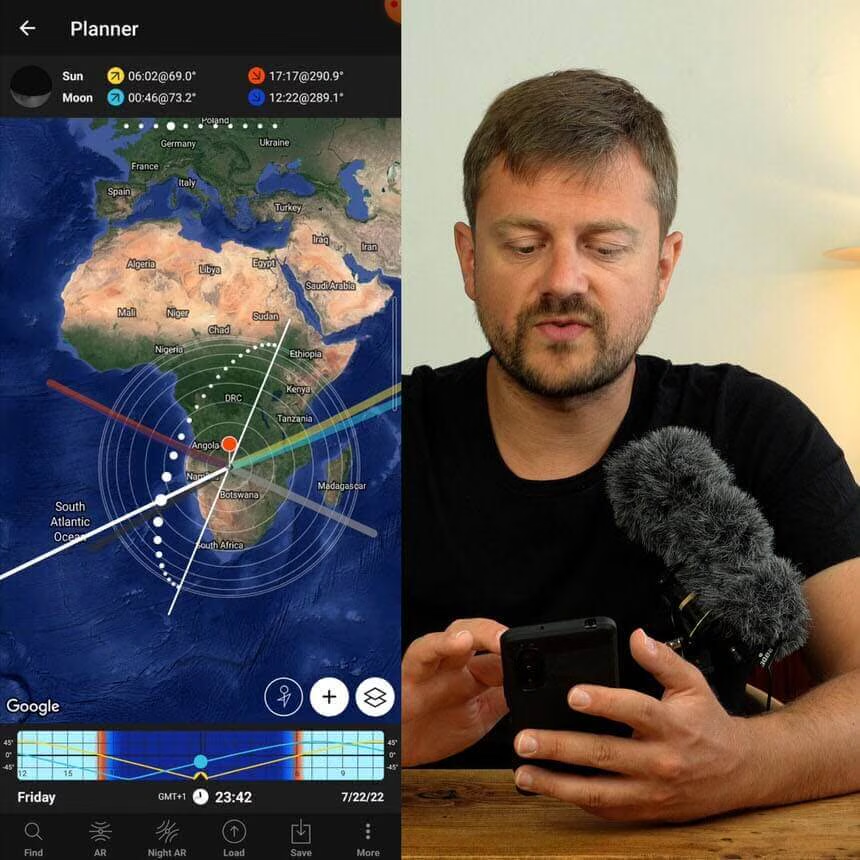
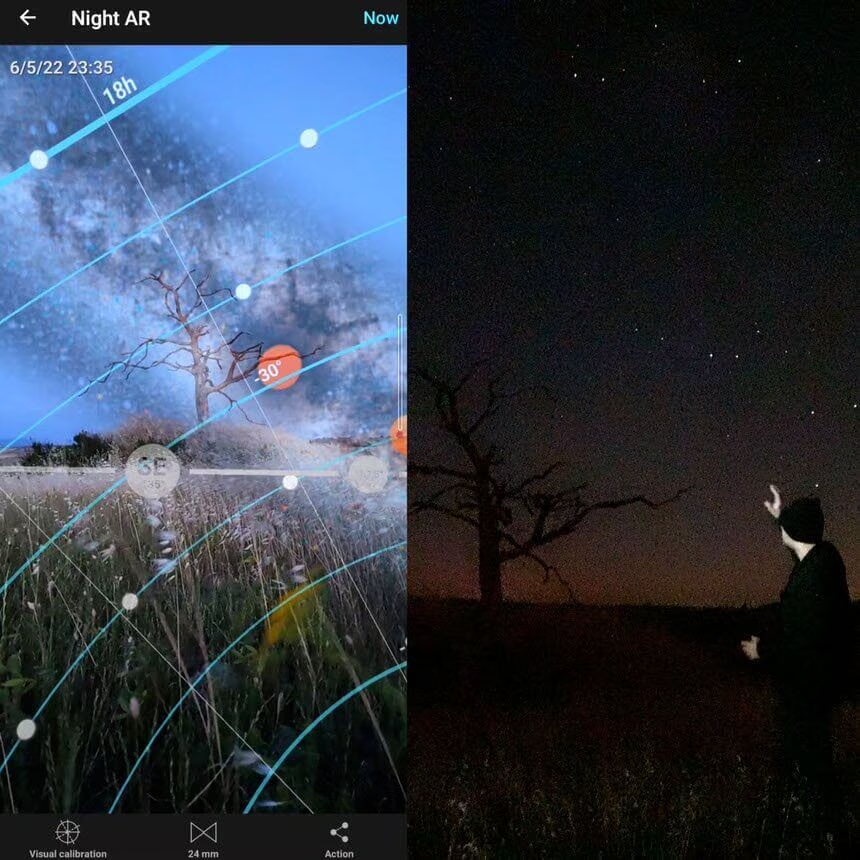
In this tutorial, you will learn how to photograph the Milky Way in the field and edit it with CameraRaw/Lightroom and Photoshop. You'll learn techniques for a single exposure, stacking for noise reduction, and how to make a panoramic Milky Way photo.
What’s on the menu:
Choosing your camera
Choosing your lens
Choosing your tripod
Should you use filters?
How to find the Milky Way
Dealing with light pollution
On-location shooting
Focus, composition, settings, panoramas
Editing single, stacked, and panoramic Milky Way photos
Basic editing and advanced editing in CameraRaw and Photoshop
Balancing colors, luminosity levels, and cleaning your photos
And many more editing tricks and techniques
Cityscapes Masterclass
The Natural Drama Formula


$
97.00
Included in the Main Bundle!
Cityscapes Masterclass
Serge Ramelli
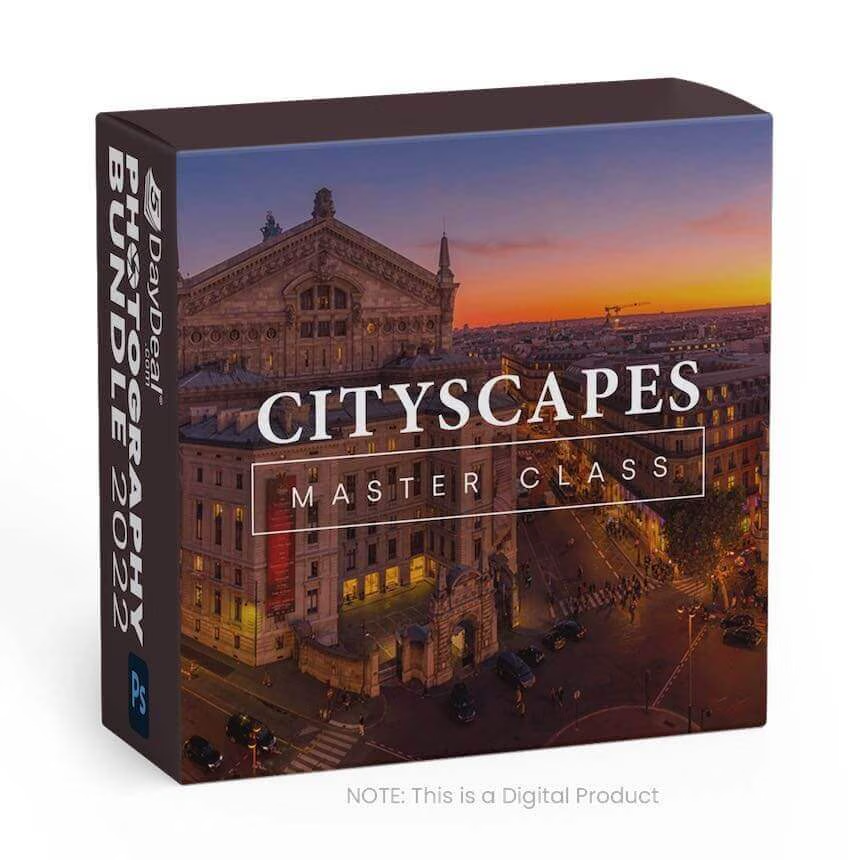
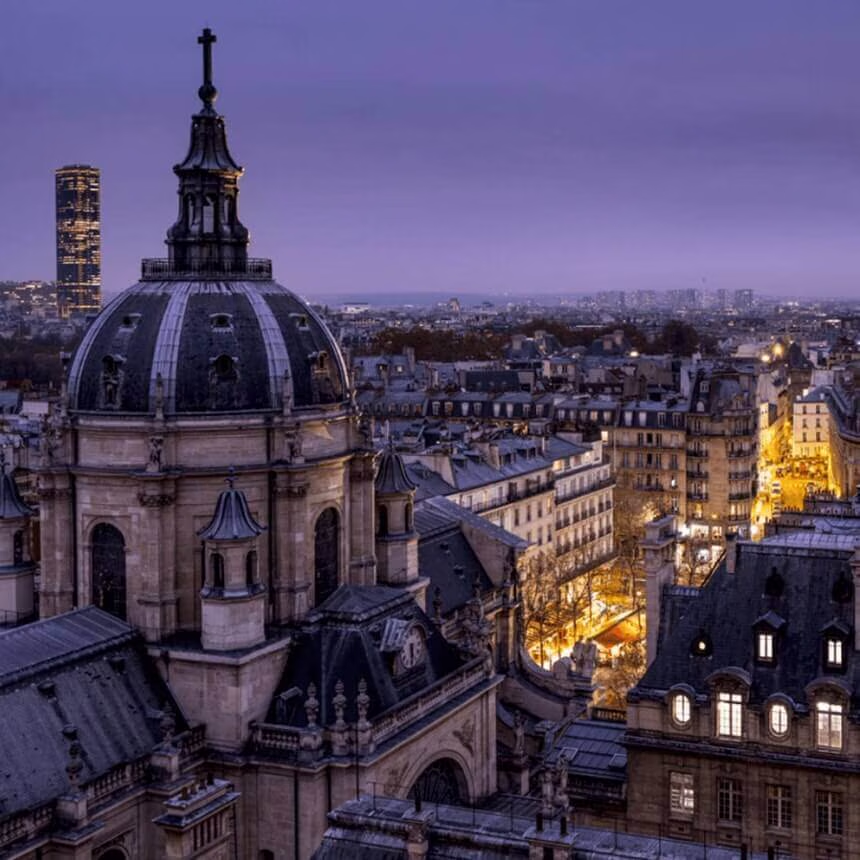
Learn the exact technique Serge uses on all his photos before submitting them to galleries and publishers around the globe.
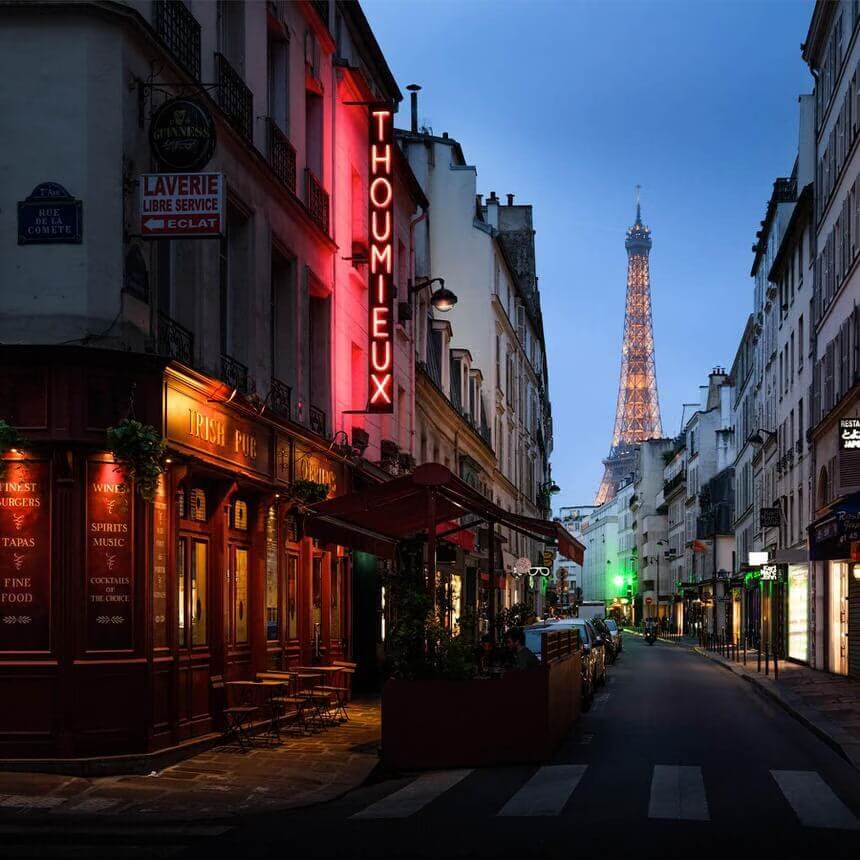
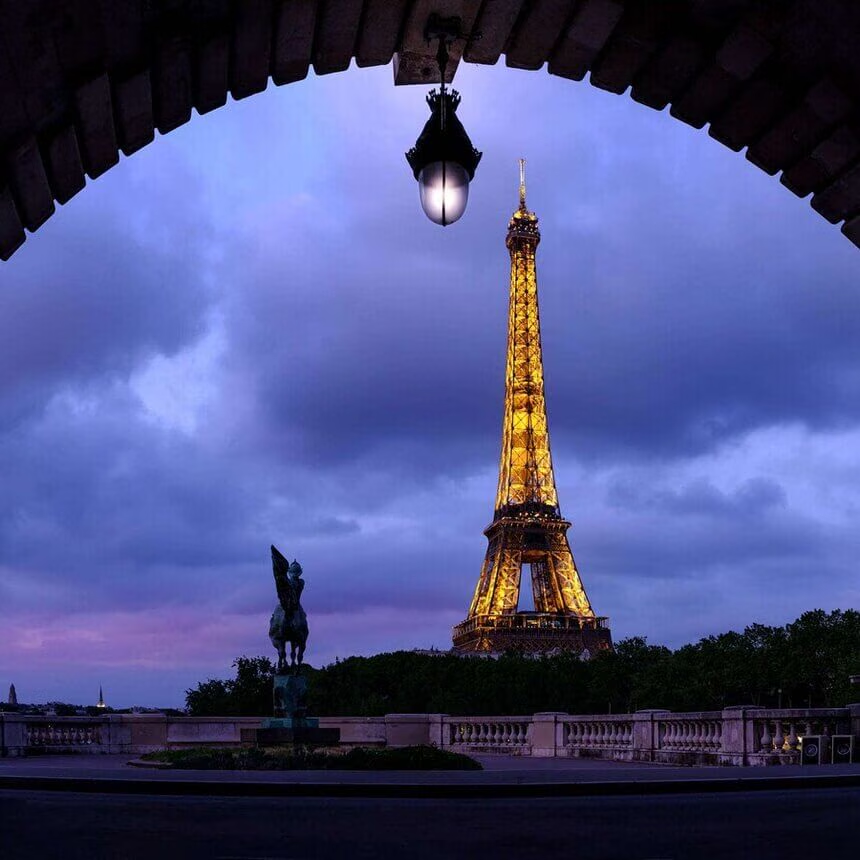
This course will take you through 3 hours of video where I show you how to capture the most stunning cityscapes using** my proven "Natural Drama" Technique**.
With live video from all over the beautiful city of France, I take you through 4 retouching projects - including behind-the-scenes videos where I show you my composition and process. This course will show you professional-grade techniques for creating a gallery and publisher-approved cityscape shots - and the secret behind my most popular photos.
FujiLove Magazine
12 Editions



$
109.45
Included in the Main Bundle!
FujiLove Magazine
FujiLove Magazine
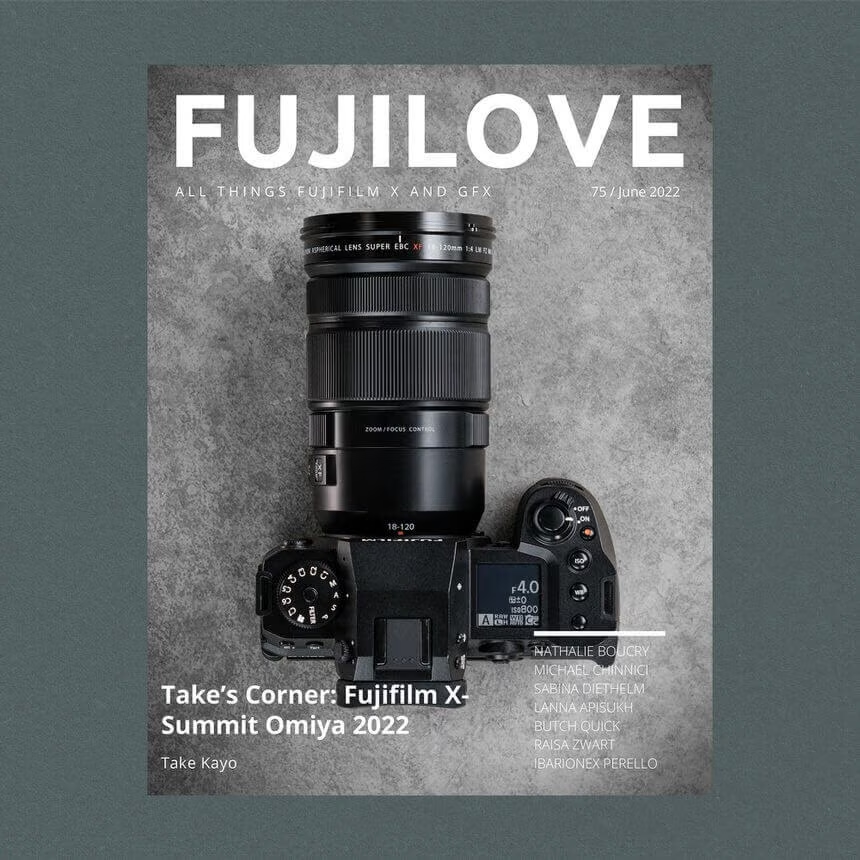
Number one digital publication for Fujifilm X and GFX users.
Two monthly publications in one package:
- FujiLove Magazine
- FujiLove Gear Talk
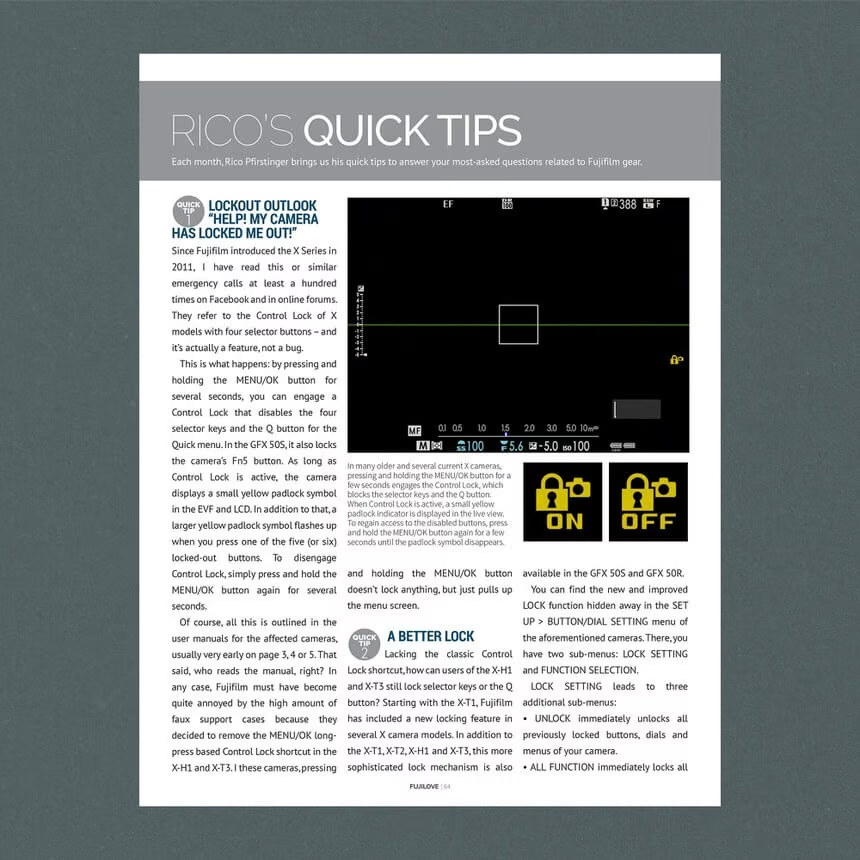
The most inspirational stories and gorgeous imagery created with Fujifilm X and GFX cameras + additional four in-depth features tackling particular technical challenges, gear, and settings recommendations from the most experienced Fujifilm photographers out there.
Explore the last 12 editions of FujiLove Magazine.
And then - join us and get access to all 78 volumes!
Photo Manipulation Essentials
Principals of Photo Manipulation




$
147.00
Included in the Main Bundle!
Photo Manipulation Essentials
Nemanja Sekulic
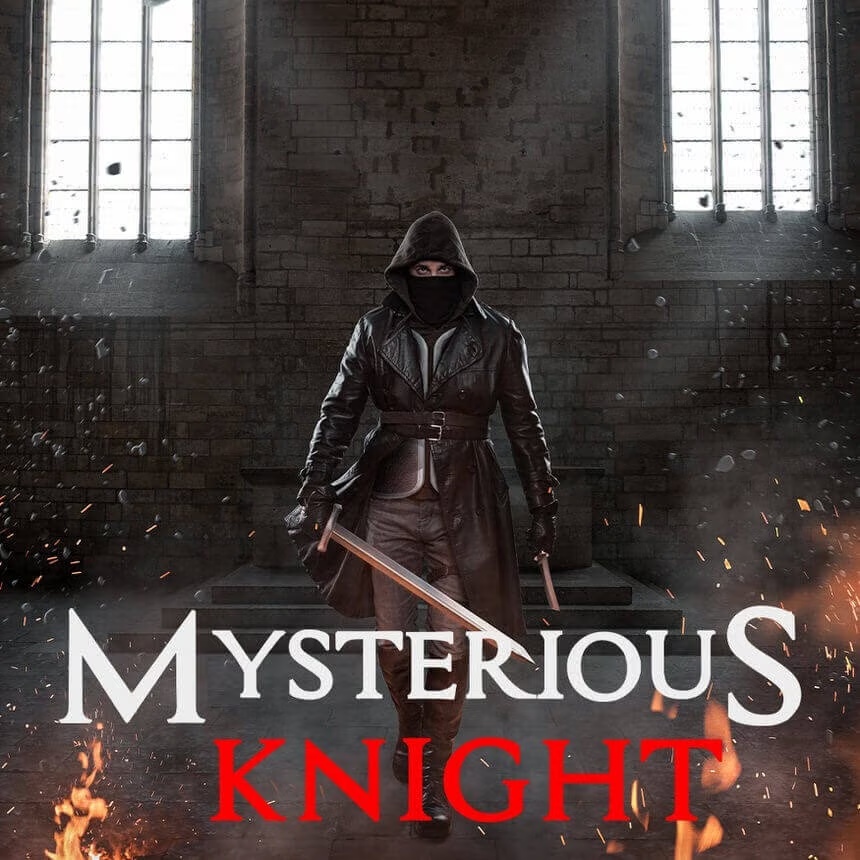
Create amazing photo manipulations, achieve Hollywood quality, and stand out!

Create Amazing Photo Manipulations
Achieve Hollywood Quality!
Stand Out!
Global media is overwhelmed with all kinds of images. If you want to get noticed and come to the surface, you need to make something different—something that will make people talk about it. Photo Manipulation is one great tool for that!
In this course, you will learn all the principles you need to know in order to create a realistic Photo Manipulation entirely on your own.
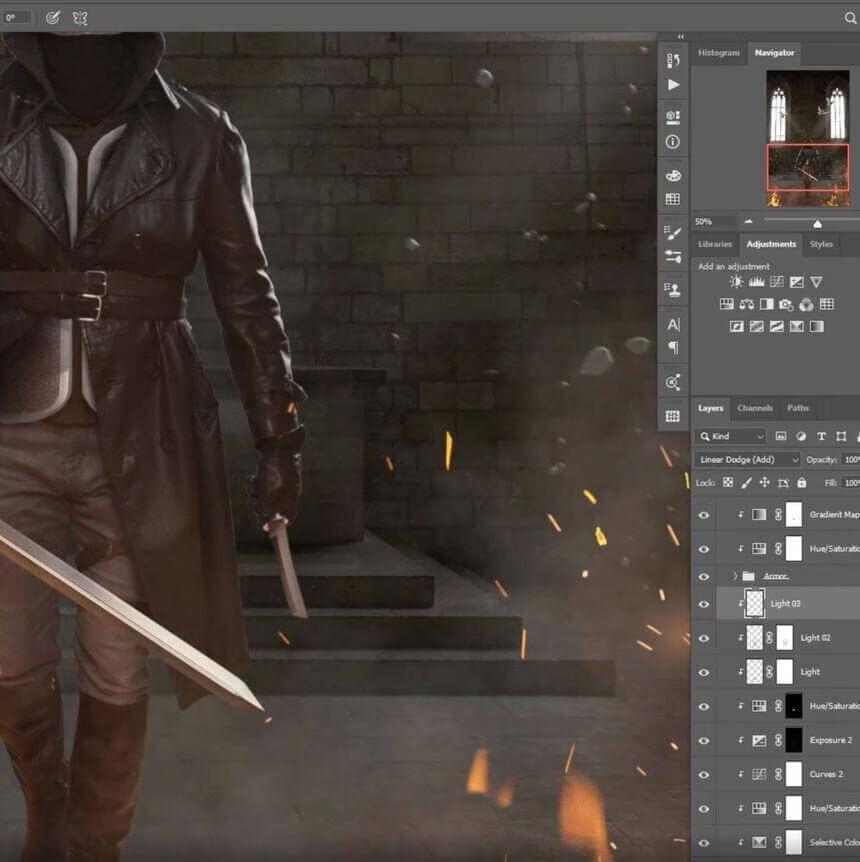
You will see Nemanja’s complete workflow.
Learn how to think and what to do even before you get into Photoshop.
Do you know that more than 90% of people struggle to make a realistic composite just because they overlook some key points?
Nemanja will explain in detail, step-by-step, how he creates his composites, without any secrets, going over everything, from idea to realization.
The course is 4 hours long, with 25 videos.
All the images and PSD files are included. Also, you will get Nemanja’s Photoshop brushes used in this course.